ACDSee Gemstone Photo Editor 12 Key
- Platform
- Digital key
- Type
- Software
- Region
- Region free
- Availability
- In stock
€0.49
- Pay from your Mylven balance — no card at checkout
- Code shown in your account and sent by email
- Code doesn’t work? We replace it or refund you
Sold and delivered by MYLVEN LTD
Description
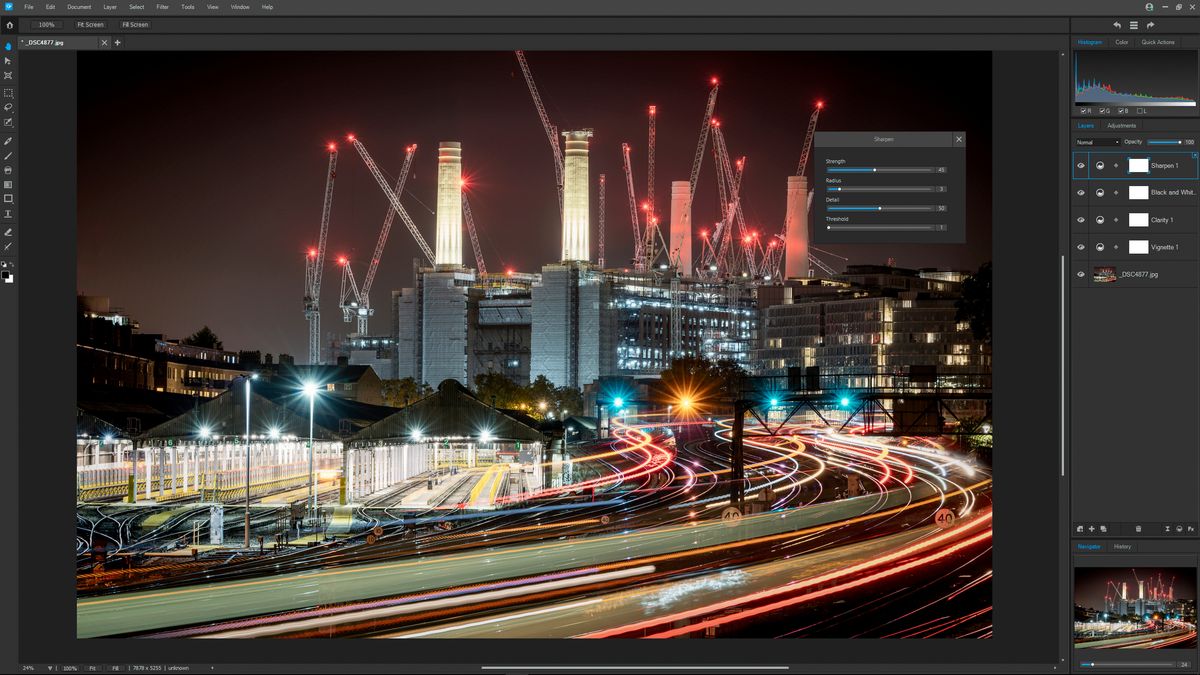
ACDSee Gemstone Photo Editor 12 has all the artistry and layered prowess you need to satisfy your photo editing desires, no matter how complex the composition. For maximum productivity, the MDI (Multi-Document Interface) layered editor allows you to carve your images into full spectrum splendor. Let sultry tone curves and spinning color wheels feed your imagination as you whip through Gemstone’s non-destructive RAW image processor, ACDSee RAW, and layered graphic editor. With an intuitive design, and presets for everything from creating files to fine-tuning colors, the Gemstone Photo Editor will polish your design workflow. New Features of ACDSee Gemstone Photo Editor 12: The built -in web browser has been replaced with the Microsoft Edge WebView2 browser. The problem with the colors of some .tif files has been fixed. Supported support for the stratified photographing mode compressed in Sony A1 has been added. Improved noise reduction on some devices. Improved display of the color of the coloring color sampler in the horizontal filter. The HDR problem was removed, which caused the initial settings not loading correctly.
Activation
Download and install the software using this https://dl.acdsystems.com/acdsee/en/acdsee-gemstone-photo-editor-12-win-x64.exe. Create ACDSee account, or log in if you have one. Activate the received key. Your key is now linked to your ACDSee account.