Ashampoo NEAT #4 Key
- Platform
- Digital key
- Type
- Software
- Region
- Region free
- Availability
- In stock
−21%€9.49
€7.49
- Pay from your Mylven balance — no card at checkout
- Code shown in your account and sent by email
- Code doesn’t work? We replace it or refund you
Sold and delivered by MYLVEN LTD
Description
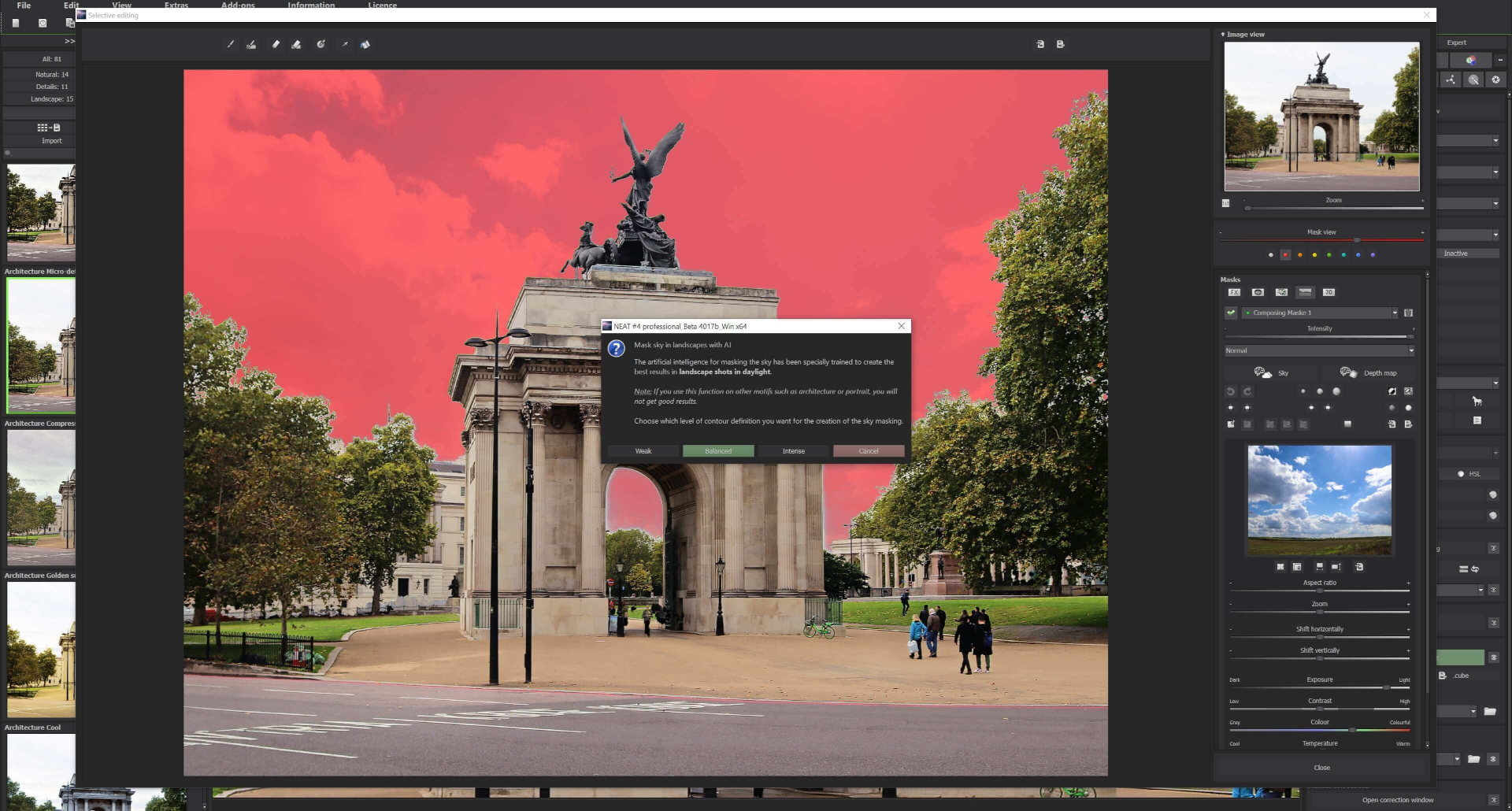
Expertly remove and add to get the perfect picture The cornerstone of NEAT #4 is its ability to efficiently remove motion from an image sequence or add motion to an image, letting you create unique, clear and dynamic images from complex sequences. Want a picture of a scene without any people even though there is always a constant crowd? NEAT #4 makes it possible! Features: NEW: Two additional “Remove motion” algorithms in the HSV and HSL colour space NEW: Custom category bar for switching editing categories on and off 42 AI-optimised image templates in 6 categories Processing of RAW image files Real-time colour module with ten layers NEW: 24 new professional image filters in expert mode, with 114 in total Virtual micro-details and grain Sensor error correction Intelligent color space (SCA) Focus peaking analysis One of the most remarkable features of NEAT #4 is its ability to remove people or unwanted moving objects from photos by combining multiple shots of a scene, such as a landmark. To achieve this, it is recommended to take about 30 shots spaced 1-2 seconds apart with a tripod. This shooting technique allows the software to efficiently identify and remove elements that move between shots, resulting in a clear and undisturbed image of the scene. In addition to the advanced motion removal algorithms in the HSV and HSL color spaces, NEAT #4 offers 42 newly revamped AI filter presets across six categories. These presets are ideal for post-processing the results directly within the program. The expert mode in the latest version of NEAT #4 gives you 114 professional filters for fine-tuning your image. That includes eleven new AI effects in the new “AI effects” category and eight new layer calculations (meaning the total is now 91). The “Selective drawing” module enables you to customise specific image areas using our intelligent brush function, which automatically finds contours and thus automatically prevents them from being drawn over – a very fast and effective method for you to make selective image adjustments. The user interface is optimally designed for use in HD and ultra HD (4K) resolution. All the main areas can be moved individually, and all the buttons feature interactive explanations (tooltips). The different areas are clearly and logically structured: you can find the presets on the left, the area for editing the current image in the middle and the “Finalise” and “Expert” areas on the right. You can make extensive changes to your image here with just a few clicks. The interface also has an innovative category bar, which you can use to switch the editing categories on and off with ease.
Activation
Enter the following link:https://www.ashampoo.com/ Sign in or create an account Scroll down to the bottom of the page Click “Add Licence Key” Redeem the received key.