Care Bears: To The Rescue XBOX One / Xbox Series X|S Account
- Platform
- Xbox One
- Type
- Game
- Region
- Region free
- Availability
- In stock
−19%€10.49
€8.49
- Pay from your Mylven balance — no card at checkout
- Code shown in your account and sent by email
- Code doesn’t work? We replace it or refund you
Sold and delivered by MYLVEN LTD
Description
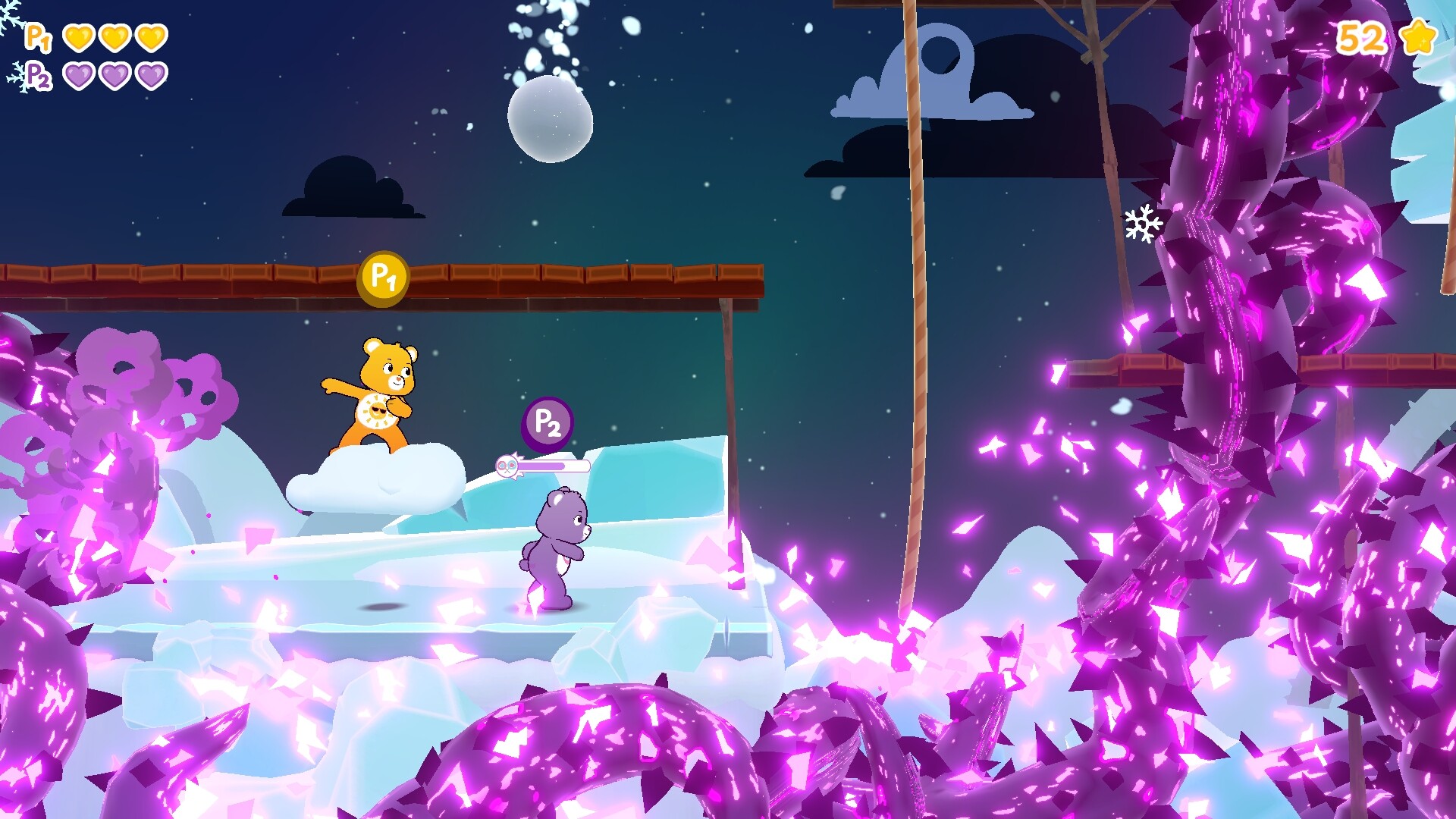
Care Bears: To The Rescue is a brand-new action-platformer set in the world-renowned Care Bears universe. Funshine Bear, Grumpy Bear, Share Bear, Cheer Bear and Good Luck Bear are on a mission to save the Silver Lining from Bluster’s most devious and daring plan so far! A ginormous, uncontrollable Bad Seed is wreaking havoc across the Silver Lining. If it isn’t stopped soon, the entire land and its inhabitants will be in big trouble! Equipped with their Belly Badge Powers, the Care Bears will need to travel to 5 different areas to collect Caring Energy in order to fill up “Heart Cannons” and defeat the evil creations of the Bad Seed. They might even meet some familiar faces along the way... Care Bears: To The Rescue lets you choose between 7 different characters. Select your favorite one and jump into the action by: Casting your Belly Badge Power beam to restore Caring and Happiness Running, jumping and interacting with your surroundings to progress through the Silver Lining Cooperating with fellow Care Bears to help each other overcome the giant Bad Seed’s continuous attempts at stopping your progression Additional content awaits you with gripping flying levels and 5 minigames that will put various skills to the test; from quickly serving your friends their favorite meal to restoring an electric current by connecting various parts. Care Bears: To The Rescue’s full content is playable with up to 4 players in local mode and available in 8 different languages! So now, more than ever, is the time to cooperate and play with your close ones to share valuable and caring memories!
Activation
Use the credentials you received (directly or via an external website) and log into the account. Make sure that the content on the account is correct (correct edition of the game, no playtime etc.) Add the purchased account to your console and set it as Xbox home account: Purchased account has to be added as a new user, not as a guest30 Xbox Series X S How to Make Account Primary! Change the credentials to make the account your own: Change the email Change the password Add 2FANOTE: Applying any changes to the purchased account, such as adding a payment method or changing the region, may result in the account being banned. In such cases, no refund is applicable. Once the account is added to your console (as a Xbox home account), download the game and switch back to the account you would like to play from. This way your progress will be saved on the account you are using.* The account should be used as a way of accessing the game/content you are interested in. It is not recommended to use it as your main account, as you might have issues with making purchases on it. *Note: Some content available in the Special Editions like in-game currency, skins, bonuses etc. may not be accessible from your main account.