Pay from your Mylven balance — no card at checkout
Code shown in your account and sent by email
Code doesn’t work? We replace it or refund you
Sold and delivered by MYLVEN LTD
Description
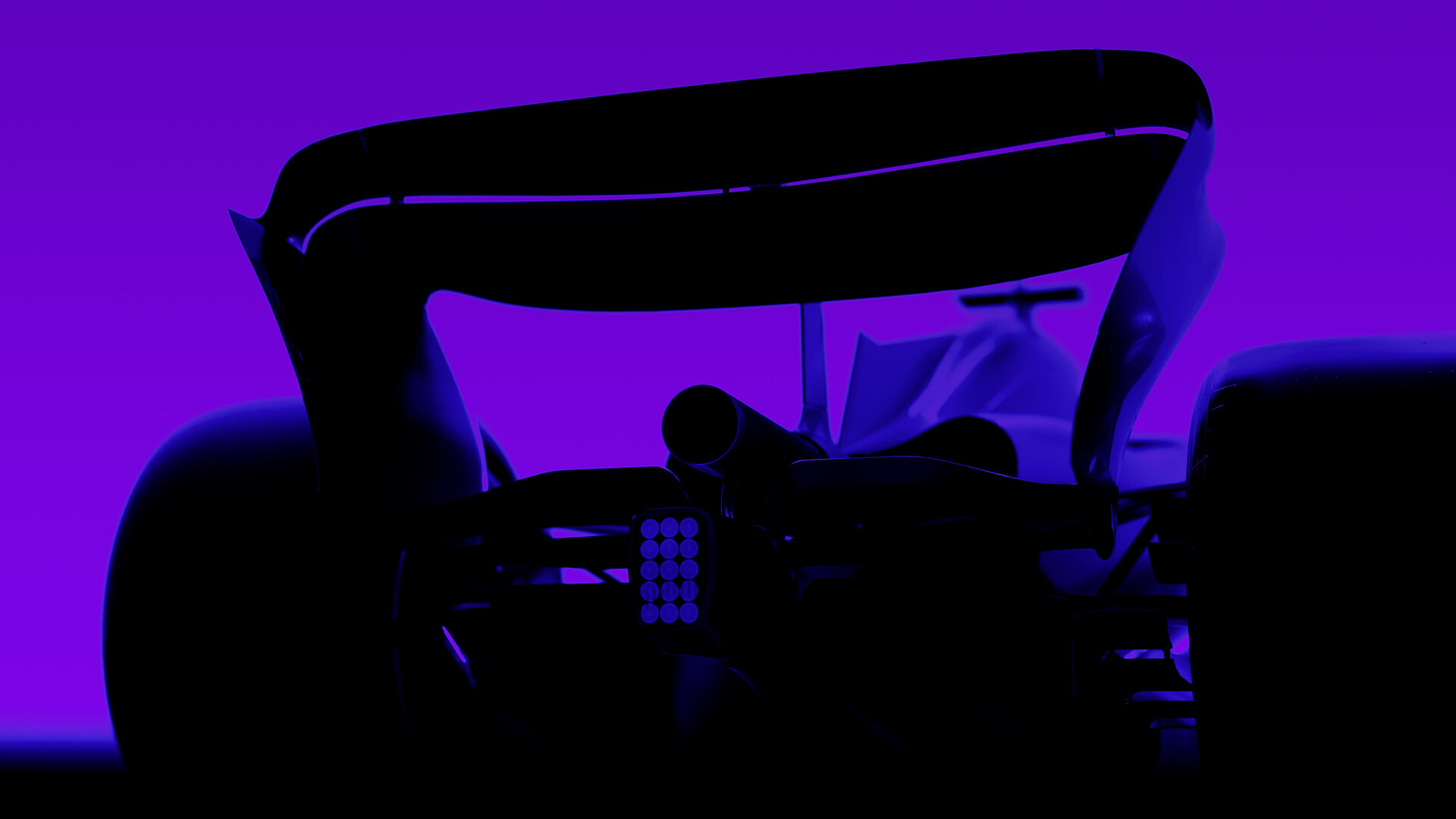
Be one of the 20 with EA SPORTS F1 24, the official video game of the 2024 FIA Formula One World Championship. Unleash your champion in pursuit of a legacy-defining F1 Career, the mode’s first major update since 2016. Drive like the greatest and feel at one with the car through the all-new EA SPORTS Dynamic Handling System. Ignite your passion by connecting to your favorite teams and drivers while proving that you have what it takes across new modes and experiences. Features: Ray TracingDive further into your F1 journey with Ray Traced visuals now offered in Race.* Extensive Controller SupportUse your controllers, wheels, pedals, and personalized hardware. Custom Graphic SettingsMaximize your F1 experience Highlights & ReplaysSave complete replays of your finest moments, share them with friends, and export Reels to video files. Eye Tracking Support Enhance your driving performance through eye tracking and become one with your F1 Car. Custom Race SetupsDiscover and download balanced Grand Prix setups from the community via the Steam Workshop. Virtual RealityExclusive to PC, experience the race's intensity first-hand from within the cockpit. *Ray Traced Shadows, Reflections, and Dynamic Diffuse Global Illumination. Requires Ray Tracing graphic hardware. Eye Tracking Support. Requires eye tracing peripherals.
Activation
Go to: http://store.steampowered.com/ and download STEAM client Click "Install Steam" (from the upper right corner) Install and start application, login with your Account name and Password (create one if you don't have). Please follow these instructions to activate a new retail purchase on Steam: Launch Steam and log into your Steam account. Click the Games Menu. Choose Activate a Product on Steam... Follow the onscreen instructions to complete the process. After successful code verification go to the "LIBRARY" tab and start downloading.
 Steam· Region free