GameMaker Studio 2 - 12 Months CREATOR Subscription Key
Platform
Digital key
Type
Software
Region
Region free
Availability
In stock
€0.49
Pay from your Mylven balance — no card at checkout
Code shown in your account and sent by email
Code doesn’t work? We replace it or refund you
Sold and delivered by MYLVEN LTD
Description
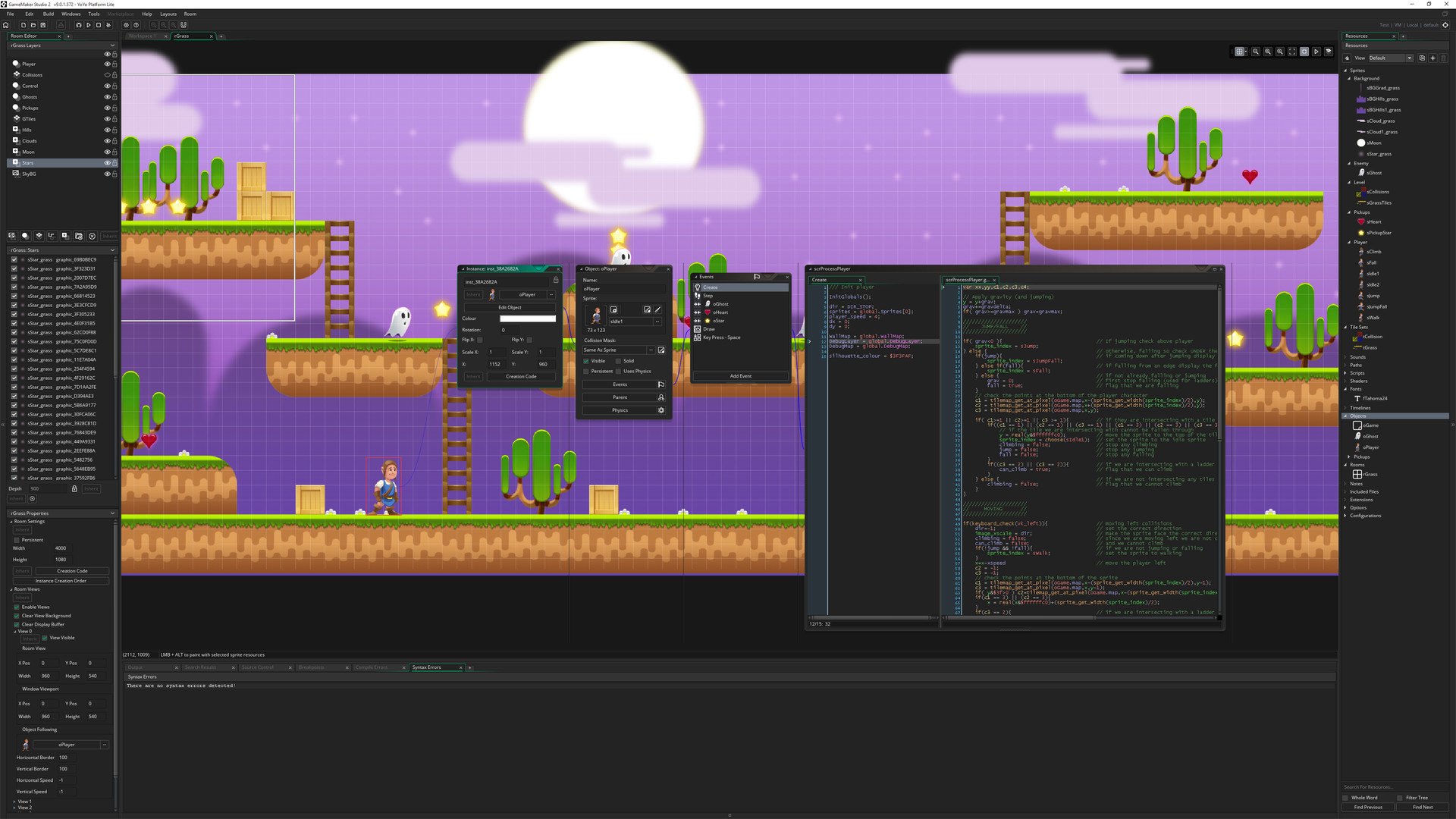
Includes: GameMaker Studio 2 Unlimited access to the IDE (integrated development environment) and learning materials. GXC Export Export your game to the GXC and publish your game to the fast growing Opera GX audience of more than 10 million gamers. Desktop Exports Windows, macOS, and Linux platforms exports. It has everything you need to take your idea from concept to finished game. With a fresh user interface and many new exciting features including; Real-Time Animation Editing, a new innovative workflow and seamless path from Drag and Drop to actual code, developing top quality games has never been easier!Featuring a powerful programming language for professionals, and a drag-and-drop no-code-required workflow for beginners, and a comprehensive toolset, top quality games can be developed quickly at affordable pricing.With the most advanced exporter ever, rapid cross-platform deployment is achievable across all leading platforms including mobile, console and desktop.Monetisation tools enable a range of functionality to be quickly and easily deployed including In-App Purchasing, Advertising, Analytics and User Engagement. Features GameMaker Studio 2 GXC Export Drag and Drop / GML Unlimited Game Assets Learning Resources Vibrant Community Monthly Asset Bundles Beta Release Access YYC Performance Access Extensions Access Desktop Exports
Activation
Go to: http://store.steampowered.com/ and download STEAM client Click "Install Steam" (from the upper right corner) Install and start application, login with your Account name and Password (create one if you don't have). Please follow these instructions to activate a new retail purchase on Steam: Launch Steam and log into your Steam account. Click the Games Menu. Choose Activate a Product on Steam... Follow the onscreen instructions to complete the process. After successful code verification go to the "MY GAMES" tab and start downloading.

 Digital key· Region free