Gym Simulator 26 PS5 Account
- Platform
- PlayStation 5
- Type
- Game
- Region
- Region free
- Availability
- In stock
−20%€25.49
€20.49
- Pay from your Mylven balance — no card at checkout
- Code shown in your account and sent by email
- Code doesn’t work? We replace it or refund you
Sold and delivered by MYLVEN LTD
Description
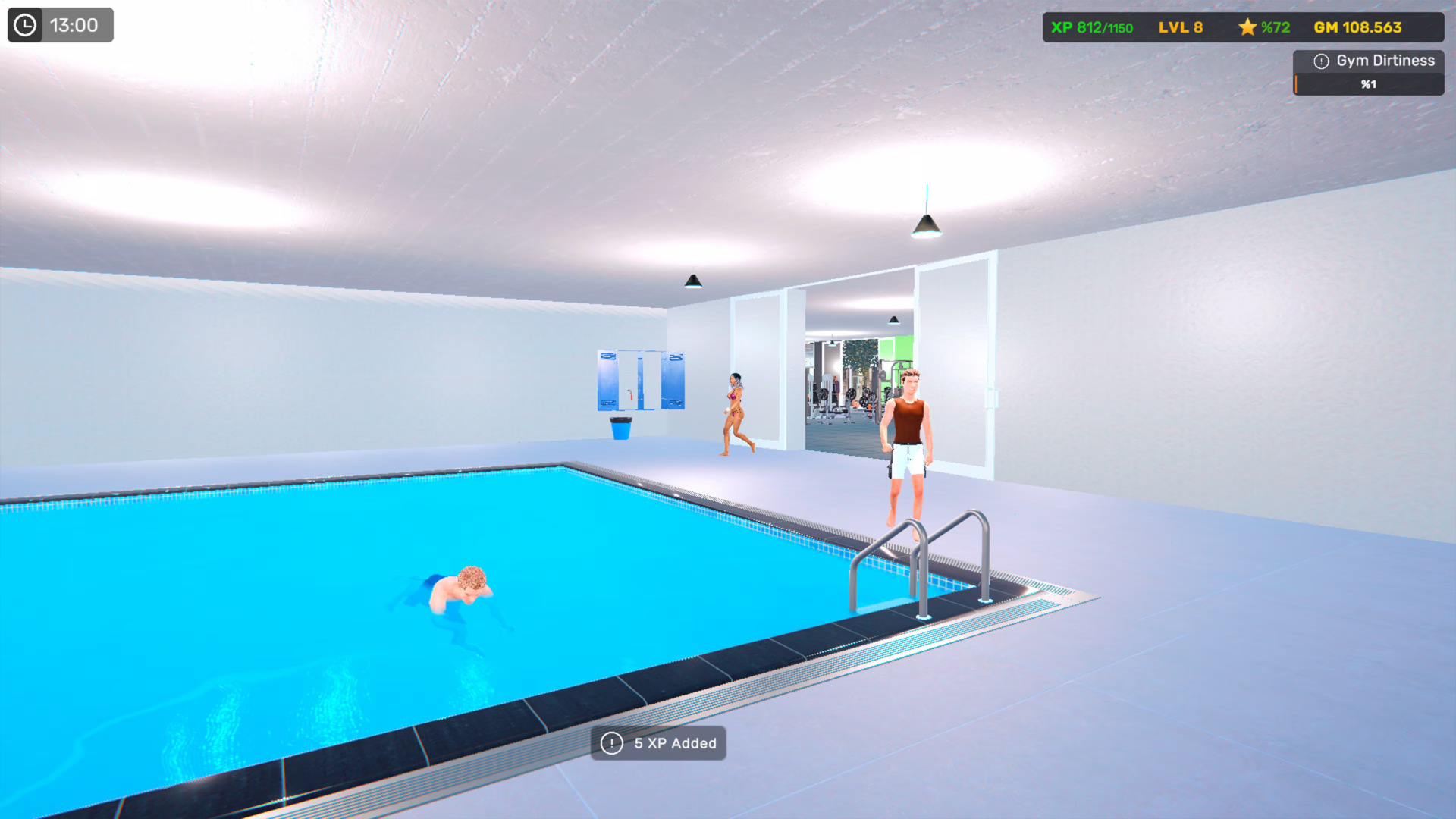
Gym Simulator 26 is a game where you build, customize, and expand your own fitness center. Start with a small space, design every area to your taste, and grow your gym into a thriving business filled with dedicated members and high-end equipment. It’s made for fitness lovers, management fans, and anyone who enjoys running their own virtual business. Features: Design and Personalization: Decorate and organize your gym to create the perfect workout environment. Equipment and Training Areas: Add weight machines, cardio equipment, boxing zones, and more. Client Interaction and Growth: Improve customer satisfaction to increase your membership base. Expansion and Progression: Unlock new rooms, equipment, and features as your business evolves. Cleaning and Maintenance Systems: Keep equipment functional and your gym running efficiently. Decoration and Comfort Elements: Add décor and comfort items to make members stay longer. Perfect for anyone who loves fitness, creativity, and building a business from the ground up!
Activation
Use the credentials you received (directly or via an external website) and log into the account. Make sure that the content on the account is correct (correct edition of the game, no playtime etc) Add the purchased account to your console and set it as a primary one: PS5 instruction PS4 instructionPurchased account has to be added as a user, not as a one-time guest Change the credentials to make the account your own: Change the email Change the password Add 2FANOTE: Applying any changes to the purchased account, such as adding a payment method or changing the region, may result in the account being banned. In such cases, no refund is applicable. Once the account is added to your console (as a primary one), download the game and switch back to the account you would like to play from. This way your progress will be saved on the account you are using.* The account should be used as a way of accessing the game/content you are interested in. It is not recommended to use it as your main account, as you might have issues with making purchases on it. *Note: Some content available in the Special Editions like in-game currency, skins, bonuses etc. may not be accessible from your main account.