Home Safety Hotline Xbox One / Xbox Series X|S Account
- Platform
- Xbox One
- Type
- Game
- Region
- Region free
- Availability
- In stock
−22%€4.49
€3.49
- Pay from your Mylven balance — no card at checkout
- Code shown in your account and sent by email
- Code doesn’t work? We replace it or refund you
Sold and delivered by MYLVEN LTD
Description
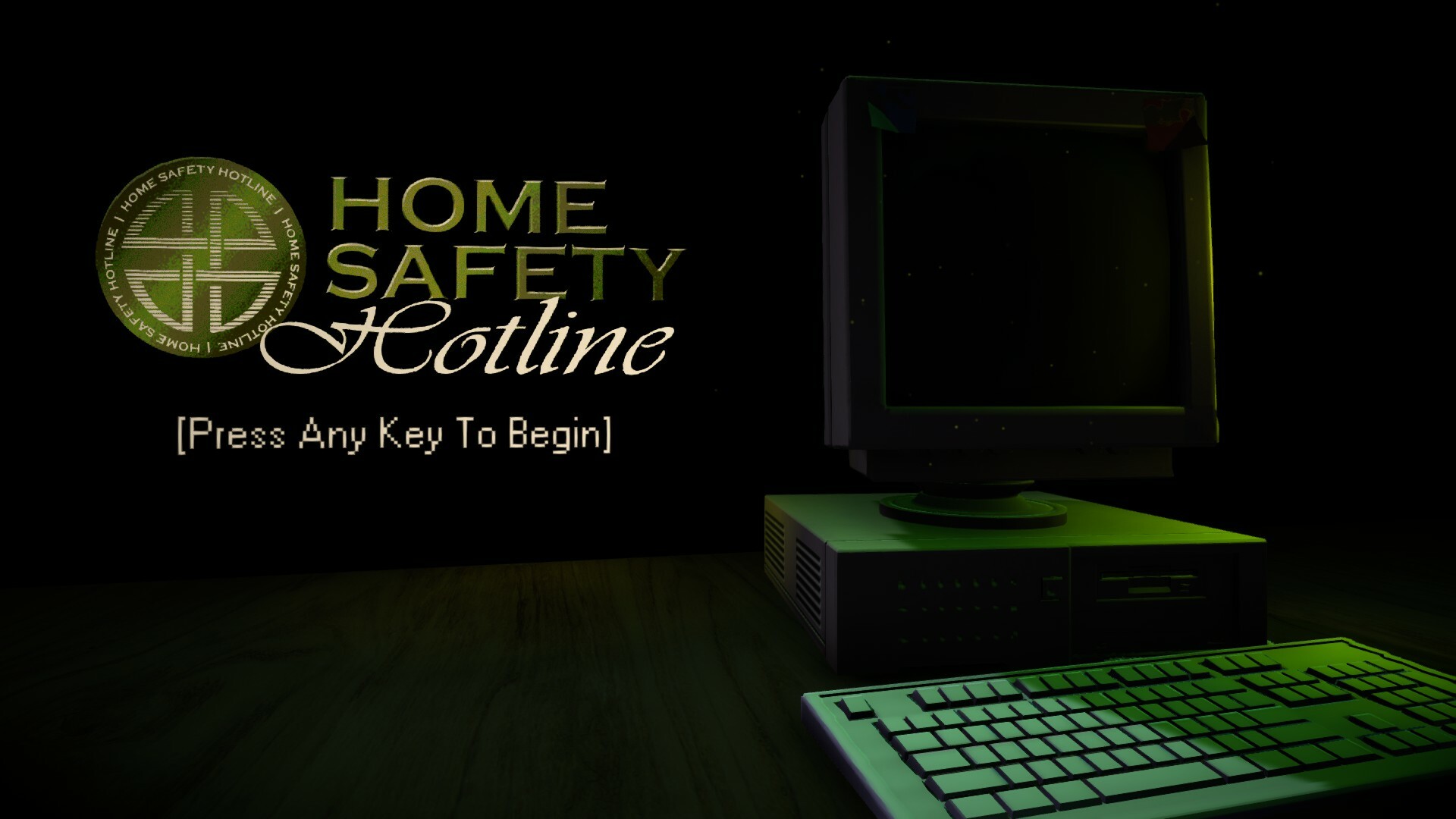
Hearing noises? Seeing things? Call Home Safety Hotline! Our operators are standing by, waiting to give you the answers you need to protect your home from all manner of pests and household hazards.Home Safety Hotline is an analog horror inspired telephone operator simulator where you answer incoming callers' questions about what's inside their home. Read through a vast catalog of common pests and household hazards, and do your best to become an expert in home safety. You will be held responsible for what happens.A new horror experiment from Nick Lives, the creator of NiGHT SIGNAL and A Wonderful Day For Fishing. Features Navigate a vast catalog of safety information using the latest in 90's technology. Listen to original jazzy lo-fi music by David Johnsen while you place callers on hold. Correctly deduce what's in your callers' homes or else leave them to suffer the consequences. Learn about the various untold horrors that live inside your home. "Phobia Toggles" - An accessibility option that allows you to disable in-game images for common phobia triggers including arachnophobia and more. Unlockable Art Book detailing the game's development history.
Activation
Use the credentials you received (directly or via an external website) and log into the account. Make sure that the content on the account is correct (correct edition of the game, no playtime etc.) Add the purchased account to your console and set it as Xbox home account: Purchased account has to be added as a new user, not as a guest30 Xbox Series X S How to Make Account Primary! Change the credentials to make the account your own: Change the email Change the password Add 2FANOTE: Applying any changes to the purchased account, such as adding a payment method or changing the region, may result in the account being banned. In such cases, no refund is applicable. Once the account is added to your console (as a Xbox home account), download the game and switch back to the account you would like to play from. This way your progress will be saved on the account you are using.* The account should be used as a way of accessing the game/content you are interested in. It is not recommended to use it as your main account, as you might have issues with making purchases on it. *Note: Some content available in the Special Editions like in-game currency, skins, bonuses etc. may not be accessible from your main account.