Junkyard Simulator Xbox Series X|S Account
- Platform
- Xbox Series X|S
- Type
- Game
- Region
- Region free
- Availability
- In stock
−21%€14.49
€11.49
- Pay from your Mylven balance — no card at checkout
- Code shown in your account and sent by email
- Code doesn’t work? We replace it or refund you
Sold and delivered by MYLVEN LTD
Description
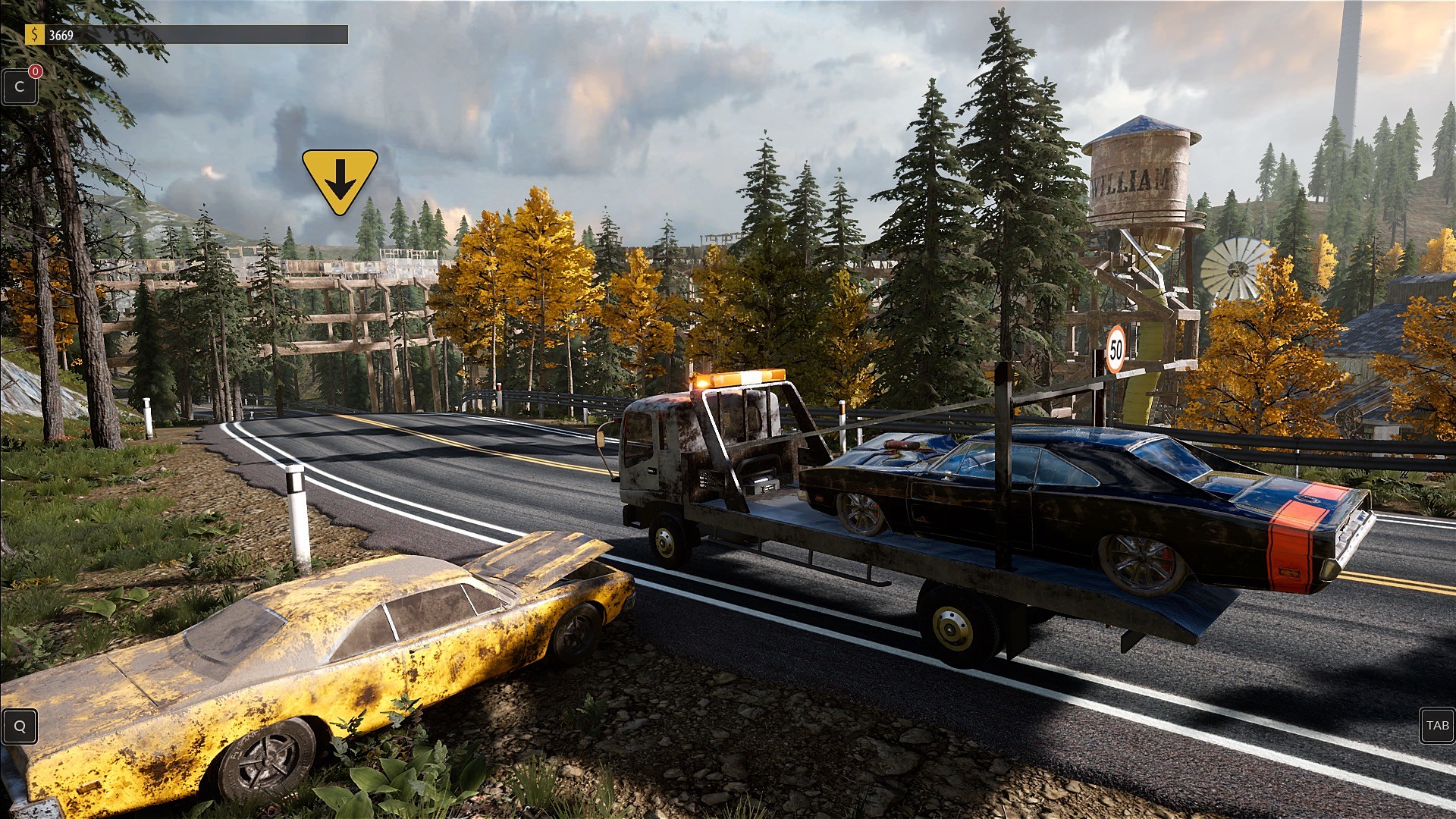
Make a fortune while working at a junkyard. You start with nothing but a hangover and slowly climb your way to success. You will have complete freedom in how you want to make money. Do you want to explore the world on foot or drive one of the available vehicles? Do you prefer to search for junk or look for hidden treasures? Is renovation your thing? Or maybe you're more of a heavy machinery kind of guy? Would you rather sell enormous amounts of small items or try something more ambitious, like repairing a vintage car? Whatever you choose, and as long as it is junk-related, we got you covered. Features Use heavy machinery to process junk into raw materials and sell. Find old, broken-down cars, and restore them to their former glory to proudly display in your very own workshop. Transport abandoned vehicles with a tow truck and compress them until it resembles a small cube. Find old furniture, electrical appliances, car parts, and many different items to renovate them in your workshop. All of your finds and renovated items can be sold on the Scrap Market. Travel by foot or drive vehicles. You can use various types of cars to explore the map and transport your junk. Search for containers with randomly generated loot. Strip engines from the cars, take extra tasks from the people, use conveyor belts, and transfer junks.
Activation
Use the credentials you received (directly or via an external website) and log into the account. Make sure that the content on the account is correct (correct edition of the game, no playtime etc.) Add the purchased account to your console and set it as Xbox home account: Purchased account has to be added as a new user, not as a guest30 Xbox Series X S How to Make Account Primary! Change the credentials to make the account your own: Change the email Change the password Add 2FANOTE: Applying any changes to the purchased account, such as adding a payment method or changing the region, may result in the account being banned. In such cases, no refund is applicable. Once the account is added to your console (as a Xbox home account), download the game and switch back to the account you would like to play from. This way your progress will be saved on the account you are using.* The account should be used as a way of accessing the game/content you are interested in. It is not recommended to use it as your main account, as you might have issues with making purchases on it. *Note: Some content available in the Special Editions like in-game currency, skins, bonuses etc. may not be accessible from your main account.