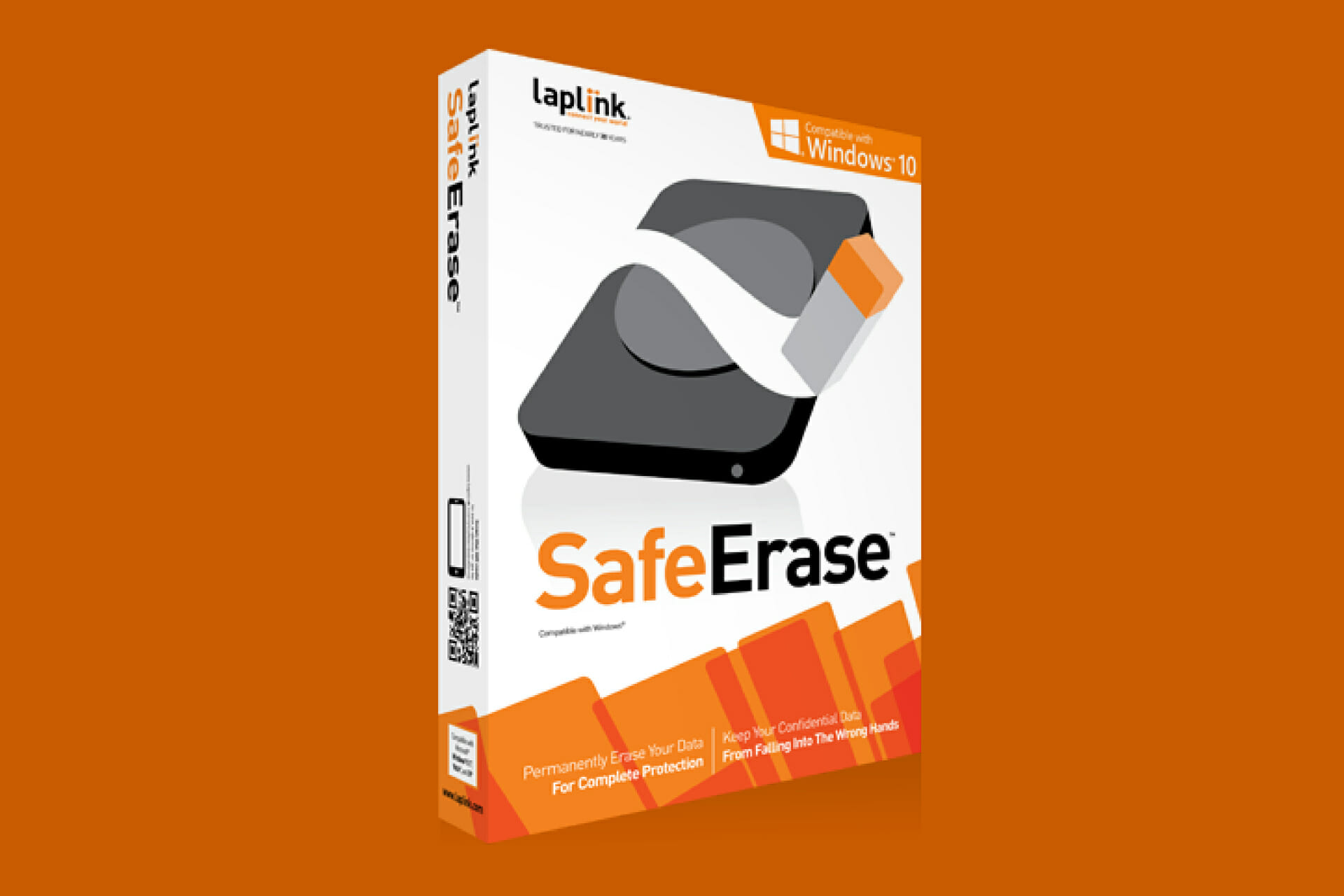
Laplink SafeErase PC Key
- Platform
- Digital key
- Type
- Software
- Region
- Region free
- Availability
- In stock
−20%€20.49
€16.49
- Pay from your Mylven balance — no card at checkout
- Code shown in your account and sent by email
- Code doesn’t work? We replace it or refund you
Sold and delivered by MYLVEN LTD
Description
Permanently Erase Your Data for Complete Protection Deleted data can often be recovered. Even when hard disks are formatted, anyone can use simple data recovery software and obtain personal confidential data – unless you use Laplink SafeErase! Protect yourself and your data with SafeErase, the fastest and most secure way to permanently delete sensitive information. SafeErase utilizes a series of government recommended deletion methods to completely wipe personal data from your hard drive so that it is unrecoverable. Don’t just delete it, Annihilate it! Use daily on ordinary data deletions or wipe your entire PC before recycling or selling an old PC for complete privacy protection. With SafeErase, you can be sure financial information, email archives, photos and Internet history are deleted forever. IMPORTANT Please bear in mind that data deleted with Laplink SafeErase cannot be restored; even special restoration software cannot revoke the process! Please make sure that before you SafeErase anything that you really want to permanently delete the data or that you have saved a back-up copy in another location (security copy). The function SafeErase entire computer erases all data from your computer without additional boot disk type media. Once you have confirmed the execution of this function, all data on your computer will be deleted, after which all data and settings will be lost. Features Windows 10 Compatible Easy-to-Use Wizard Complete Privacy Protection Customized Deletion Fast Data Wipe Advanced Technology
Activation
Download the 32-bit or 64-bit versions. Install the software. Enter the license key inside the program. For more information, please read the User Guide.