Learning Factory XBOX One / Xbox Series X|S / PC Account
- Platform
- Xbox One
- Type
- Game
- Region
- Region free
- Availability
- In stock
−22%€4.49
€3.49
- Pay from your Mylven balance — no card at checkout
- Code shown in your account and sent by email
- Code doesn’t work? We replace it or refund you
Sold and delivered by MYLVEN LTD
Description
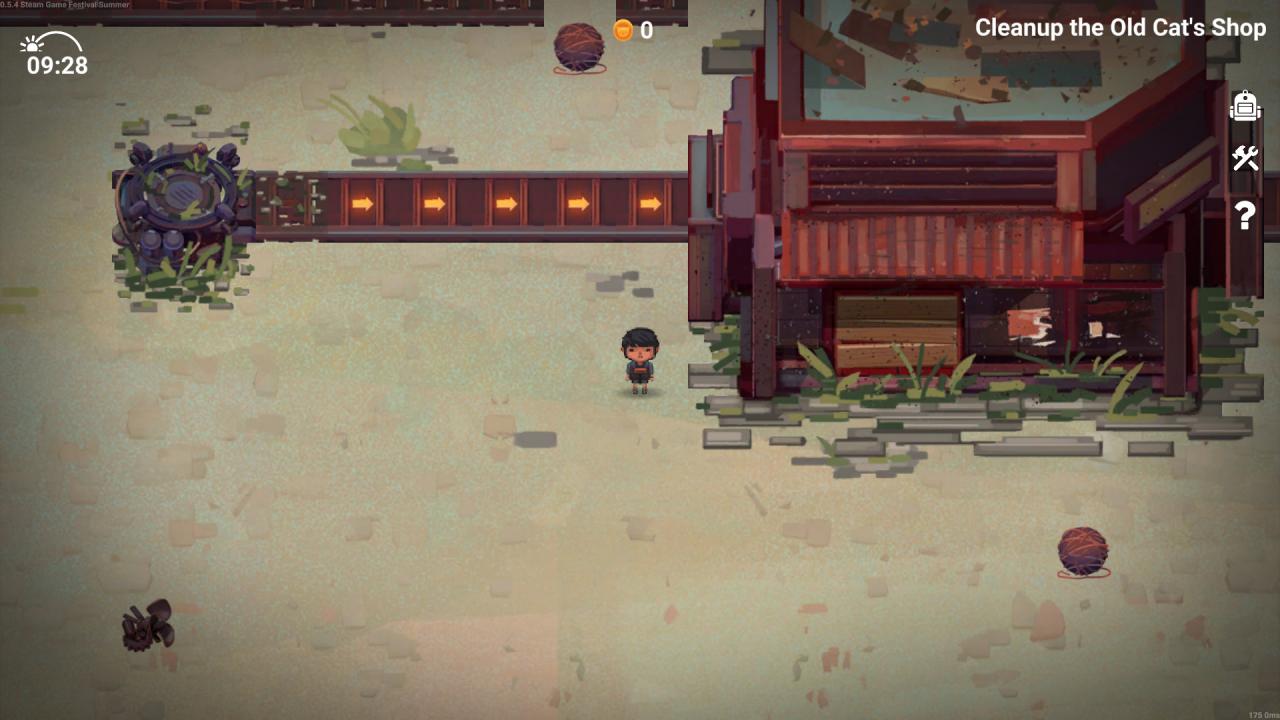
Learning Factory is a relaxing automation game, which lets you concentrate on the most important task in the Universe: making cats happy again. You're a humble genius scientist who gets invited to become the chief engineer at an abandoned Factory on Mars, designed to produce and sell exquisite goods for cats. It was conceived to learn everything about cats and make them happy, but it is desolated now, and cats are leaving Factory Stores unhappy and empty-pawed. Now you have a chance to continue the research and development of goods that feline hearts long for! Simply follow these steps on your way to a scientific breakthrough: Renovate an abandoned factory on Mars Design and automate production chains Produce and sell exquisite goods to cats Collect and analyze data with Machine Learning Scale and make the factory more efficient Make cats happy! Rebuild the ancient Monument Establish Catopia in the feline society! Sales at the Factory Stores generate tons of data which is later analyzed by real-life machine learning in order to unlock the in-depth nature of the feline mind. But hey: no pressure! In this fail-safe environment, the key to success is to keep trying and stay curious. Experiment, optimize, automate - and keep creating a giant cat-catering factory on Mars. Eventually you will find the key to a better future for humans and cats (and also maybe dogs, dogs are kinda ok, too)! The game is backed up with real Machine Learning, links to handpicked educational videos, and an in-game wiki to be used as learning material.
Activation
Go to: http://store.steampowered.com/ and download STEAM client Click "Install Steam" (from the upper right corner) Install and start application, login with your Account name and Password (create one if you don't have). Please follow these instructions to activate a new retail purchase on Steam: Launch Steam and log into your Steam account. Click the Games Menu. Choose Activate a Product on Steam... Follow the onscreen instructions to complete the process. After successful code verification go to the "MY GAMES" tab and start downloading.