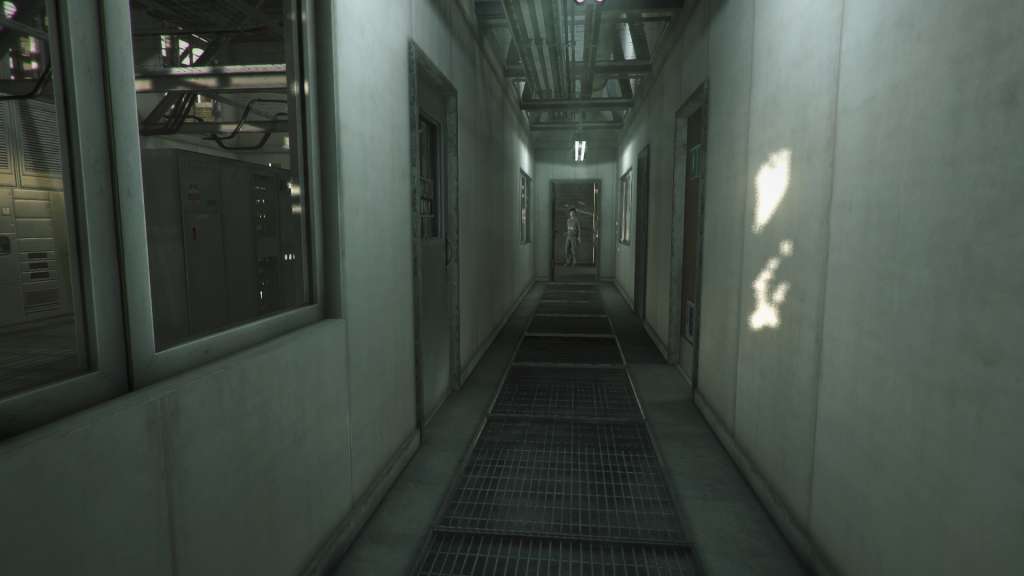
Lucius II Steam Gift
- Platform
- Steam
- Type
- Game
- Region
- Region free
- Availability
- In stock
−18%€5.49
€4.49
- Pay from your Mylven balance — no card at checkout
- Code shown in your account and sent by email
- Code doesn’t work? We replace it or refund you
Sold and delivered by MYLVEN LTD
Description
Lucius II Steam Gift Platform: Steam Release Date: 13 Feb, 2015 Product Description The story of Lucius II continues where the original left off: Lucius emerges as the lone survivor of the burning wreckage his parents once called home, unscathed from the ruthless slaughter he had unleashed. He had taken the weak and punished the wicked. He had looked through their souls and found the true selves they had been hiding. Lucius is taken to the psychiatric ward of St. Benedict’s Hospital by unsuspecting caretakers. The Book of Revelation predicts the birth of a child that would end up ruling the world with an iron rod. The first part of this prophecy has been fulfilled. It is time to take care of the rest. Whispers of a prophecy find their way to the boy's ears. Lucius decides to act again to regain his powers. But little does he know of his new adversaries... Features Lucius II has a unique twist where you play the bad guy and wreak havoc as the son of the devil. 3D Splatter adventure sandbox that continues the story of the original game. Over 100 potential victims. Lucius can now explore a vast five storey hospital and the small town of Ludlow. Homage to the classic horror movies. You can find references to different titles all over the game. Create your truly own unique traps by using a complex combination system and various tools. Each level is its own sandbox where you can decide when, how and who to kill. Create your own unique Lucius by choosing your favorite supernatural abilities. System Requirements OS: Windows XP Processor: Dual core Memory: 4 GB RAM Graphics: NVIDIA GEFORCE GTX 275 or better DirectX: Version 9.0 Hard Drive: 5 GB available space
Activation
"Please remember that we are NOT responsible for any problems that may arise from purchasing and using Steam Gifts. You are doing it at your own risk. "Please note, that due to recent Valve Steam Gift policy update Steam Gifts for games that are covered by VAC ban program can no longer be added to Inventory. Make sure that you are logged in to the proper account before entering the link as Steam Gifts can be only added to your library or rejected. How do I use a Steam gift given to me? If you do not already have Steam, download and install Steam here. Once you have Steam installed, you will be prompted to create an account or login to an existing Steam account. If you do not have an account, please create one. You will receive an e-mail containing a link that will open Steam allowing you to redeem your gift. After clicking the link, you will receive a notification at the top right corner in the Steam client informing that you have a new gift.