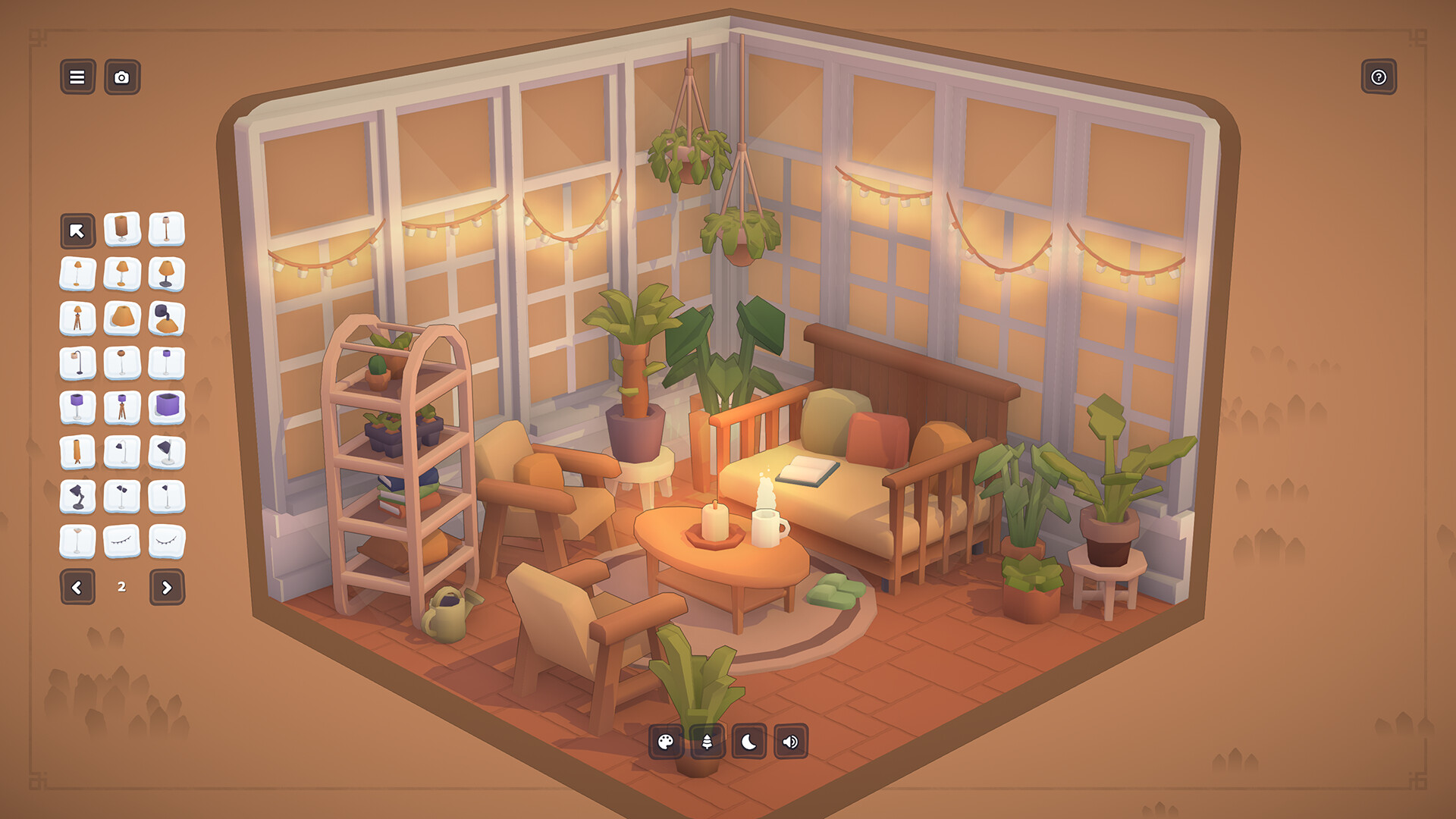
MakeRoom PC Steam CD Key
- Platform
- Steam
- Type
- Game
- Region
- Region free
- Availability
- In stock
−21%€9.49
€7.49
- Pay from your Mylven balance — no card at checkout
- Code shown in your account and sent by email
- Code doesn’t work? We replace it or refund you
Sold and delivered by MYLVEN LTD
Description
MakeRoom is an adorable sandbox building game. Learn the ropes with guided design requests, then use more than 1, 000 objects to flex your interior design skills. Unlock your imagination with the custom furniture creation tool. What will you make? Whether it's a cozy room for cats, a moody hideaway for a vampire, or a compact camper van, the choice is yours! Learn the ropes with guided requests Dive right in with gentle design requests to discover MakeRoom's tools and extensive furniture catalog. Get inspired by the cozy, cute, and weird variety on MakeRoom Island, and expand your palette with rewards for completing levels. Customize everything with powerful design tools Start with three different settings for your diorama: Room, Camper, or Garden. Use powerful design tools to create your own custom furniture from scratch. Move, rotate, resize, and recolor objects to your heart's content. Add the finishing touches with dozens of backgrounds, environments, and even ambient sound options. Dazzle the MakeRoom community with your creations Snap beautiful photos with filters and visual effects like tilt shift, share your creations with other players via Steam Workshop, and discover secret codes to unlock even more objects. Features Follow along with guided design requests to discover 1, 000+ objects Create your own custom furniture from scratch Share your creations with beautiful screenshots and Steam Workshop integration Make messes or clean them up with tools like a mop, duster, or vacuum cleaner Add furry friends to your dioramas with the “Pets” category
Activation
Go to: http://store.steampowered.com/ and download STEAM client Click "Install Steam" (from the upper right corner) Install and start application, login with your Account name and Password (create one if you don't have). Please follow these instructions to activate a new retail purchase on Steam: Launch Steam and log into your Steam account. Click the Games Menu. Choose Activate a Product on Steam... Follow the onscreen instructions to complete the process. After successful code verification go to the "LIBRARY" tab and start downloading.