Monster Panic XBOX One / Xbox Series X|S Account
- Platform
- Xbox One
- Type
- Game
- Region
- Region free
- Availability
- In stock
−18%€16.49
€13.49
- Pay from your Mylven balance — no card at checkout
- Code shown in your account and sent by email
- Code doesn’t work? We replace it or refund you
Sold and delivered by MYLVEN LTD
Description
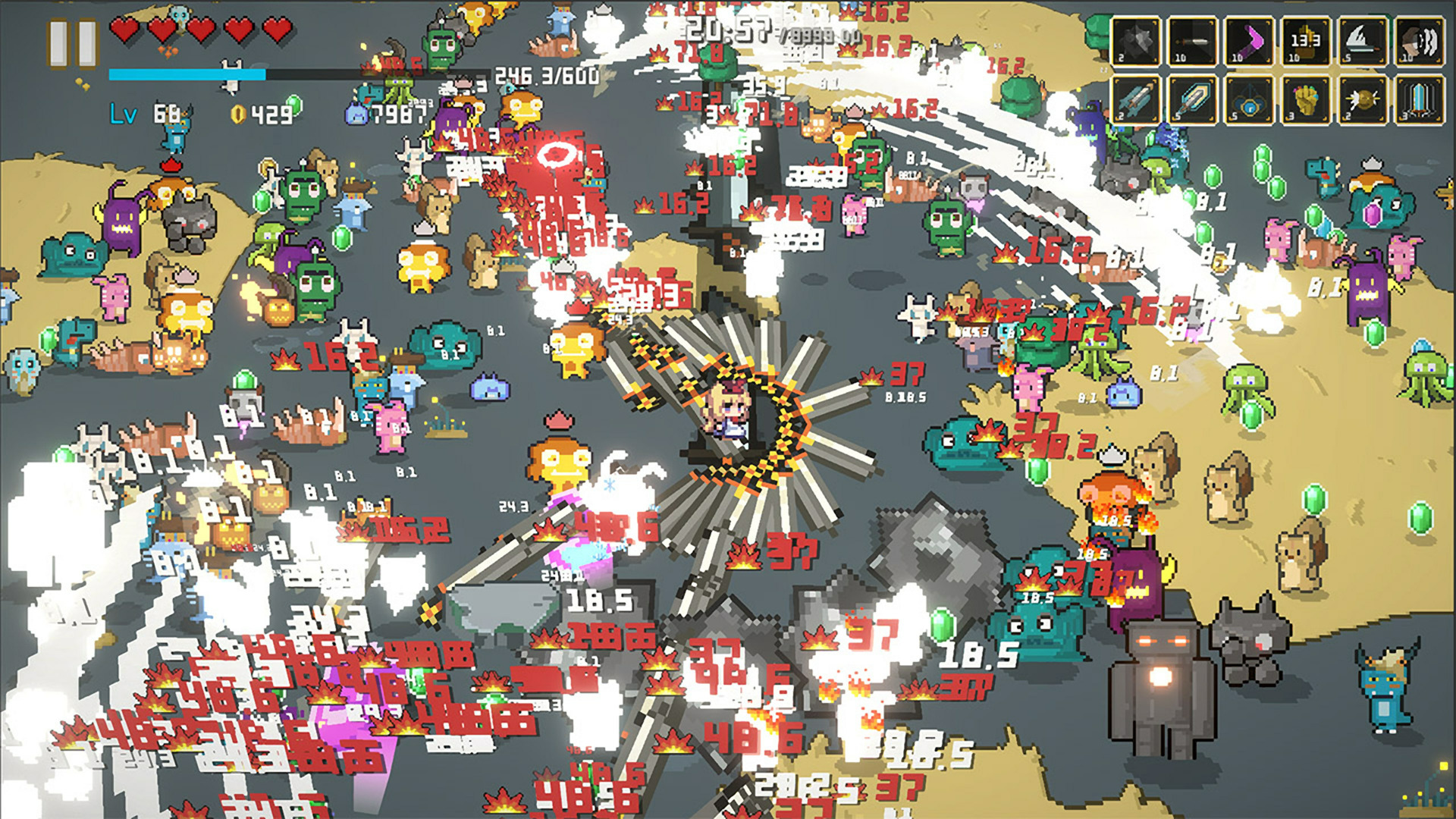
Fast-paced Rogue-like! Battle endless monsters, enjoy rapid Rogue-like thrills! Double the choices, unlock more classes, build unique talents! You are the hero! Quickly get to the most thrilling part of Rogue-like! It delivers a great experience even when facing a screen full of monsters! Unlock your favorite classes, upgrade your preferred talents, face hundreds to thousands of monsters, make your choices, and play in your own style! But first, you need to make sure you can survive! Features: Multiple classes to unlock: Knight, Samurai, Toxicologist, Maid, Werewolf, Mage—choose your favorite class. More monsters. Face hundreds to thousands of monsters on the same screen, alone against a surging tide of beasts. Over twenty weapons to choose from, each with over a dozen branches for selection! Rich gameplay styles. Make each choice count and play in your own unique style! Rich talents to upgrade, making your character even more unique!
Activation
Use the credentials you received (directly or via an external website) and log into the account. Make sure that the content on the account is correct (correct edition of the game, no playtime etc.) Add the purchased account to your console and set it as Xbox home account: Purchased account has to be added as a new user, not as a guest30 Xbox Series X S How to Make Account Primary! Change the credentials to make the account your own: Change the email Change the password Add 2FANOTE: Applying any changes to the purchased account, such as adding a payment method or changing the region, may result in the account being banned. In such cases, no refund is applicable. Once the account is added to your console (as a Xbox home account), download the game and switch back to the account you would like to play from. This way your progress will be saved on the account you are using.* The account should be used as a way of accessing the game/content you are interested in. It is not recommended to use it as your main account, as you might have issues with making purchases on it. *Note: Some content available in the Special Editions like in-game currency, skins, bonuses etc. may not be accessible from your main account.