MY LITTLE PONY: A Maretime Bay Adventure XBOX One / Xbox Series X|S Account
- Platform
- Xbox One
- Type
- Game
- Region
- Region free
- Availability
- In stock
−22%€18.49
€14.49
- Pay from your Mylven balance — no card at checkout
- Code shown in your account and sent by email
- Code doesn’t work? We replace it or refund you
Sold and delivered by MYLVEN LTD
Description
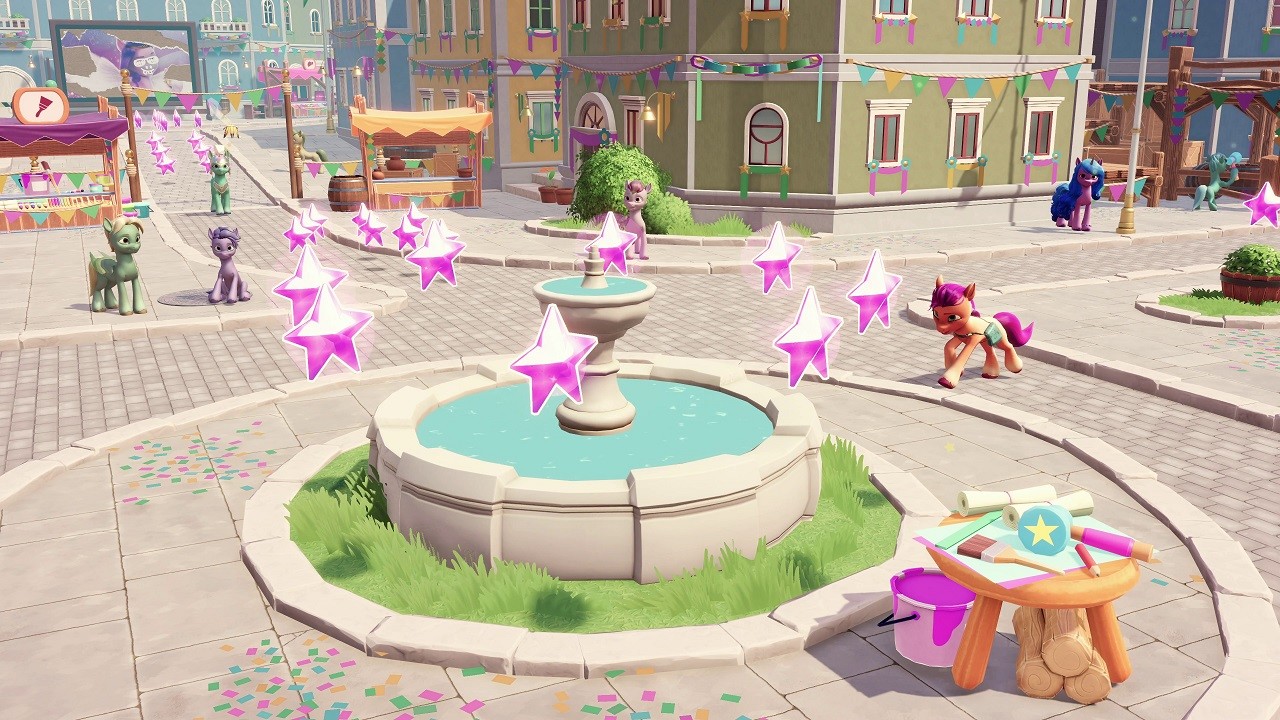
Bring the magic back to Equestria and play with the new generation of MY LITTLE PONY characters, in an adventure full of fun, fashion and good friends!Earth Pony Sunny wants to make the world a better place by hosting Maretime Bay Day, a forgotten celebration of friendship and magic. But some pony is out to spoil the celebration - and they're stealing cakes, letting bunnies loose, and even spoiling Pipp's paintings!Only you can help Sunny throw the most magical celebration Equestria has ever seen. Use your magic to put on fashion shows, find the cutest animals, fly with the Pegasi and more. Customize your ponies by unlocking new skills and accessories, including new hats and jewelry, rollerblades, and fashion magic. Your friends Hitch, Izzy, Zipp and Pipp are here to lend a helping hoof every step of the way. And you can invite another player for multiplayer minigames! The ponies need you to make Maretime Bay Day unforgettable – can you find the mysterious party pooper and bring back the magic? Features BE A PONY – Play as Sunny the adventurous Earth Pony and use her magic powers LEARN NEW POWERS – Unlock pony skills and accessories including clothing, purses, and magic abilities EXPLORE MARETIME BAY – Adventure across Maretime Bay and beyond to bring the magic back MULTIPLAYER PARTY – Two players can put on a fashion show, herd bunnies and more!
Activation
Use the credentials you received (directly or via an external website) and log into the account. Make sure that the content on the account is correct (correct edition of the game, no playtime etc.) Add the purchased account to your console and set it as Xbox home account: Purchased account has to be added as a new user, not as a guest30 Xbox Series X S How to Make Account Primary! Change the credentials to make the account your own: Change the email Change the password Add 2FANOTE: Applying any changes to the purchased account, such as adding a payment method or changing the region, may result in the account being banned. In such cases, no refund is applicable. Once the account is added to your console (as a Xbox home account), download the game and switch back to the account you would like to play from. This way your progress will be saved on the account you are using.* The account should be used as a way of accessing the game/content you are interested in. It is not recommended to use it as your main account, as you might have issues with making purchases on it. *Note: Some content available in the Special Editions like in-game currency, skins, bonuses etc. may not be accessible from your main account.