New Supermarket Simulator PS4 Account
- Platform
- PlayStation 4
- Type
- Game
- Region
- Region free
- Availability
- In stock
−19%€10.49
€8.49
- Pay from your Mylven balance — no card at checkout
- Code shown in your account and sent by email
- Code doesn’t work? We replace it or refund you
Sold and delivered by MYLVEN LTD
Description
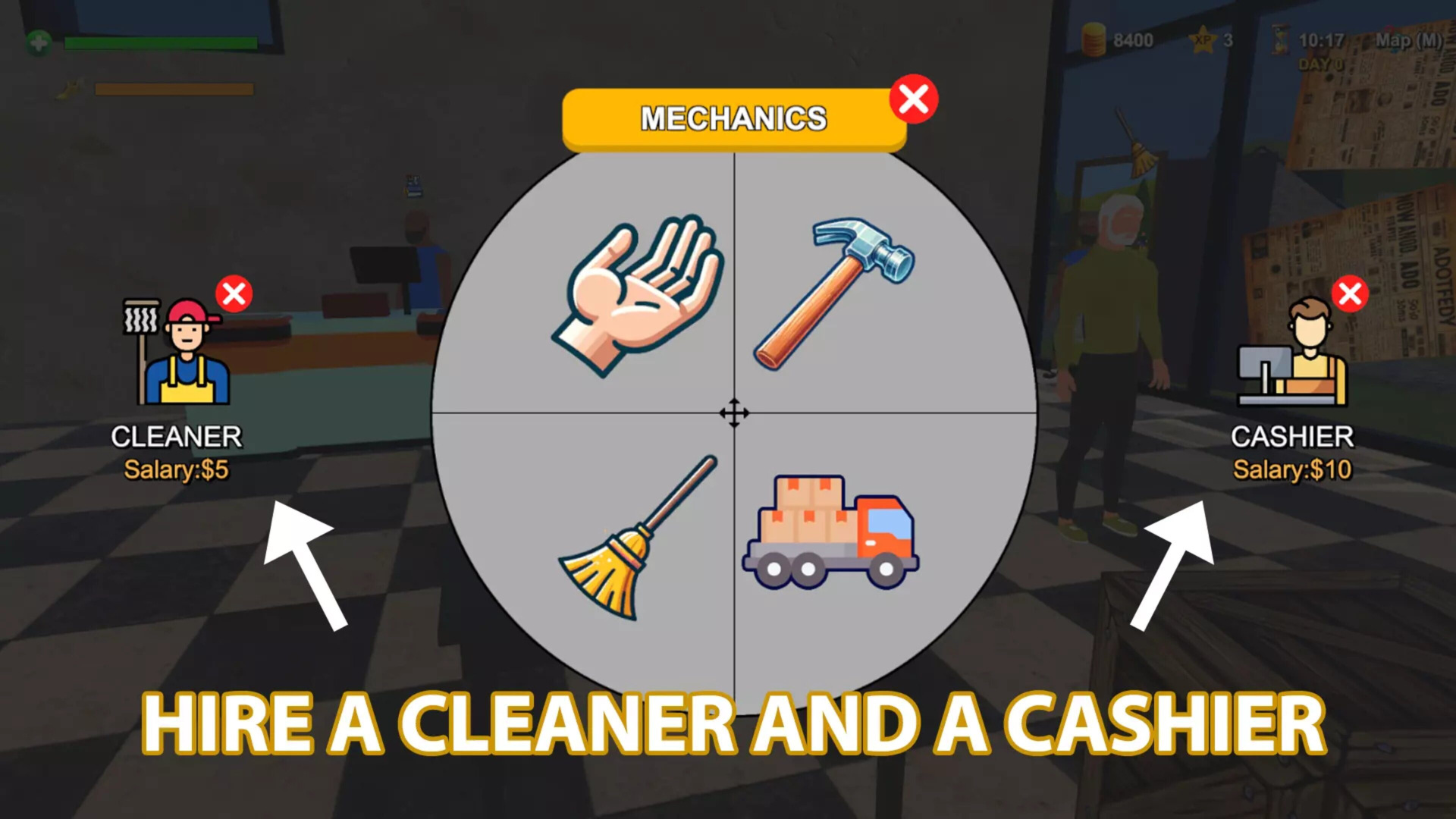
Stock shelves, set prices as you'd like, take payments, hire staff, expand and design your store. Online orders & delivery, shoplifters, security, local market are upcoming. STORE MANAGEMENTDesign your store, optimizing for efficiency and aesthetics. Determine where products are displayed, manage your aisles, and ensure a smooth shopping experience for your customers. SUPPLY GOODSOrder stock using an in-game computer. Unpack goods, organize them in your storage room and place them on shelves, fridges, and freezers. CASHIERScan items, take cash and credit card payments, and ensure customers leave satisfied with their shopping and checkout experience. FREE MARKETNavigate the complexities of a real-time market. Buy products when prices dip and determine the best-selling prices to balance customer satisfaction with profit margins. GROWAs you accumulate profits, consider reinvesting. Expand your store's physical space, upgrade interiors, and continually adapt to the evolving demands of the retail world. In "Supermarket Simulator", every decision matters. Will you rise to the occasion, transforming a modest establishment into a retail powerhouse, all while balancing customer satisfaction, and finances?
Activation
Use the credentials you received (directly or via an external website) and log into the account. Make sure that the content on the account is correct (correct edition of the game, no playtime etc) Add the purchased account to your console and set it as a primary one: PS5 instruction PS4 instructionPurchased account has to be added as a user, not as a one-time guest Change the credentials to make the account your own: Change the email Change the password Add 2FANOTE: Applying any changes to the purchased account, such as adding a payment method or changing the region, may result in the account being banned. In such cases, no refund is applicable. Once the account is added to your console (as a primary one), download the game and switch back to the account you would like to play from. This way your progress will be saved on the account you are using.* The account should be used as a way of accessing the game/content you are interested in. It is not recommended to use it as your main account, as you might have issues with making purchases on it. *Note: Some content available in the Special Editions like in-game currency, skins, bonuses etc. may not be accessible from your main account.