Obduction Steam Gift
- Platform
- Steam
- Type
- Game
- Region
- Region free
- Availability
- In stock
−20%€39.49
€31.49
- Pay from your Mylven balance — no card at checkout
- Code shown in your account and sent by email
- Code doesn’t work? We replace it or refund you
Sold and delivered by MYLVEN LTD
Description
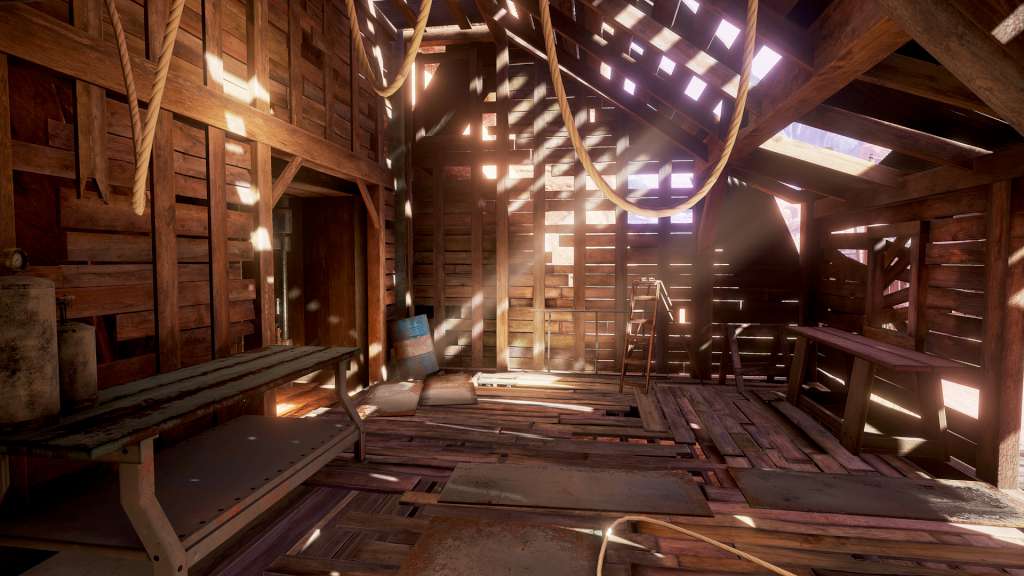
Obduction Steam Gift Platform: Steam Release Date: 24/08/2016 Product Description From Cyan, the indie studio that brought you Myst and Riven comes a whole new adventure that will become your world. As you walk beside the lake on a cloudy night, a distant thunderclap demands your attention. A curious, organic artifact falls from the starry sky and inexplicably, without asking permission, transports you across the universe. You’ve been abducted from your cozy existence and added into an alien landscape with a stereotypical Kansas farmhouse, a white picket fence, and a rather bizarre little ghost town - well… almost ghost town. Adding to the oddity, you discover a strangely kluged kiosk that reassuringly welcomes you to Hunrath. The new worlds of Obduction reveal their secrets only as you explore, coax, and consider them. And as you bask in the otherworldly beauty and explore through the enigmatic landscapes, remember that the choices you make will have substantial consequences. This is your story now. System Requirements OS: Windows 7 SP1 64 bit or newer Processor: CPU Intel i5-2500 equivalent or better Memory: 8 GB RAM Graphics: GeForce 660 GTX w/1GB / AMD 7700 series w/ 1GB equivalent or better Storage: 20 GB available space
Activation
"Please remember that we are NOT responsible for any problems that may arise from purchasing and using Steam Gifts. You are doing it at your own risk. "Please note, that due to recent Valve Steam Gift policy update Steam Gifts for games that are covered by VAC ban program can no longer be added to Inventory. Make sure that you are logged in to the proper account before entering the link as Steam Gifts can be only added to your library or rejected. How do I use a Steam gift given to me? If you do not already have Steam, download and install Steam here. Once you have Steam installed, you will be prompted to create an account or login to an existing Steam account. If you do not have an account, please create one. You will receive an e-mail containing a link that will open Steam allowing you to redeem your gift. After clicking the link, you will receive a notification at the top right corner in the Steam client informing that you have a new gift.