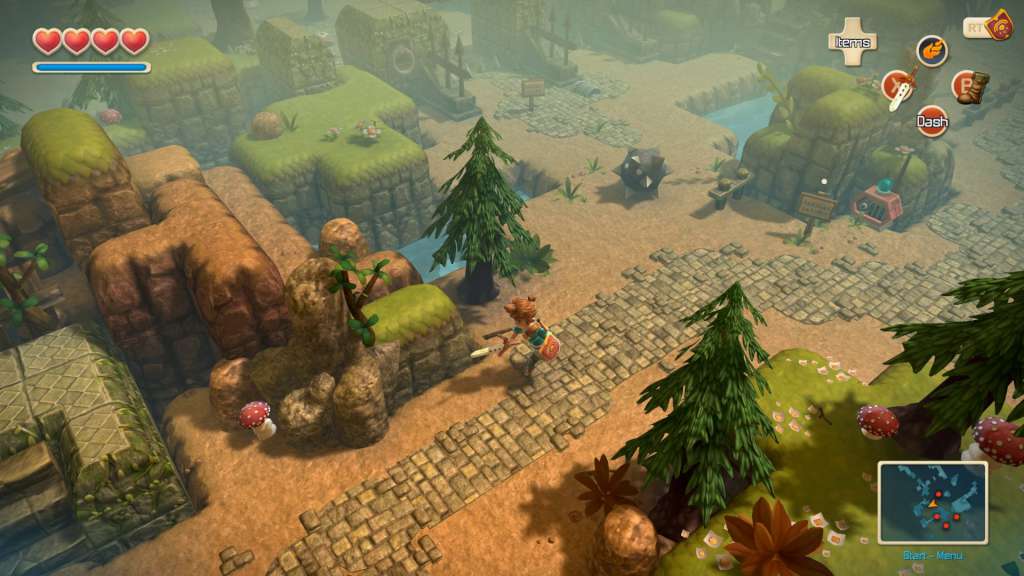
Oceanhorn: Monster of Uncharted Seas Steam Gift
- Platform
- Steam
- Type
- Game
- Region
- Region free
- Availability
- In stock
−19%€10.49
€8.49
- Pay from your Mylven balance — no card at checkout
- Code shown in your account and sent by email
- Code doesn’t work? We replace it or refund you
Sold and delivered by MYLVEN LTD
Description
Oceanhorn: Monster of Uncharted Seas Steam Gift Platform: Steam Release Date: 17/03/2015 Product Description You wake up and find a letter from your father. He is gone… The only lead is his old notebook and a mysterious necklace. What happened? Oceanhorn: Monster of Uncharted Seas combines captivating storytelling, breathtaking 3D visuals and exciting gameplay into one epic action-adventure experience. In the game you explore the islands of Uncharted Seas, a world filled with many dangers, puzzles and secrets. You must fight monsters, learn to use magic and discover ancient treasures, which will help you on your quest. Use all of your wits and skill to unravel the mysteries of the ancient kingdom of Arcadia and the sea monster, Oceanhorn. Features 15+ hours of story driven gameplay Master magic and swordfight Find ancient items to help you on your quest Steam Achievements and Leaderboards Steam Cloud Steam Trading Cards Full controller support Enchanting original soundtrack System Requirements OS: Windows: Windows 7 / 8 Processor: 1.7 GHz Dual Core or faster Memory: 1 GB RAM Graphics: DirectX 10 compatible, 256 MB VRAM DirectX: Version 10 Hard Drive: 700 MB available space Sound Card: DirectX 10 compatible Mouse, Keyboard
Activation
"Please remember that we are NOT responsible for any problems that may arise from purchasing and using Steam Gifts. You are doing it at your own risk. "Please note, that due to recent Valve Steam Gift policy update Steam Gifts for games that are covered by VAC ban program can no longer be added to Inventory. Make sure that you are logged in to the proper account before entering the link as Steam Gifts can be only added to your library or rejected. How do I use a Steam gift given to me? If you do not already have Steam, download and install Steam here. Once you have Steam installed, you will be prompted to create an account or login to an existing Steam account. If you do not have an account, please create one. You will receive an e-mail containing a link that will open Steam allowing you to redeem your gift. After clicking the link, you will receive a notification at the top right corner in the Steam client informing that you have a new gift.