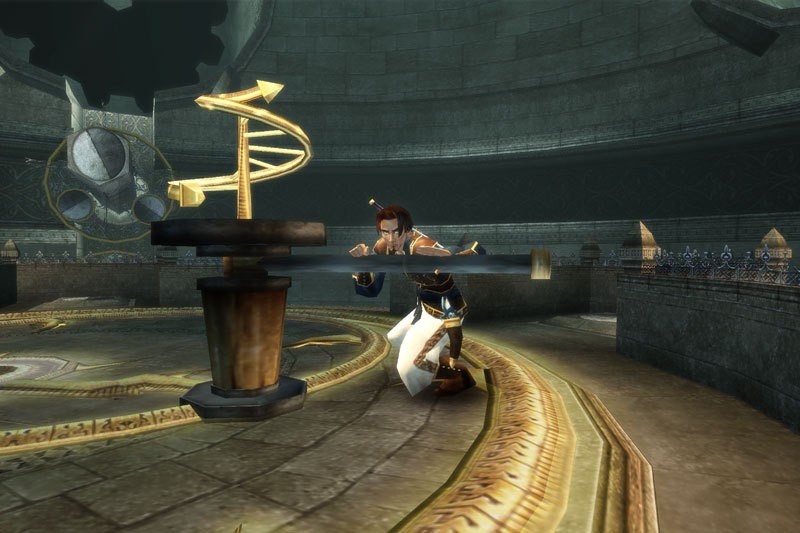
Prince of Persia: The Sands of Time GOG CD Key
- Platform
- GOG.com
- Type
- Game
- Region
- Region free
- Availability
- In stock
−18%€5.49
€4.49
- Pay from your Mylven balance — no card at checkout
- Code shown in your account and sent by email
- Code doesn’t work? We replace it or refund you
Sold and delivered by MYLVEN LTD
Description
Prince of Persia: The Sands of Time GOG CD Key Platform: GOG Release Date: 2/12/2003 Product Description Includes: base game, manual (12 pages), 4 HD wallpapers, soundtrack, 19 artworks, 10 fighting animations The Prince returns to the exotic Persia. After his father invades the palace of the Maharajah, the Prince, tricked by a treacherous vizier, uses a magic dagger to release the dangerous Sands of Time from an ornate hourglass. With the aid of a beautiful, mysterious, and potentially untrustworthy ally, players guide the Prince to recapture the Sands of Time and restore peace to the land. Features Gravity-defying acrobatics, ferocious combos and the ability to bend time to fulfill your destiny Erase the past, behold the future, and freeze the present in real-time for unlimited gameplay variations Uncover the mysteries of a world never before explored in action-adventure gaming System Requirements OS: Windows XP or Windows Vista Processor: 1 GHz (1.4 GHz recommended) RAM: 256MB (512 recommended) Graphic: 3D graphics card compatible with DirectX 9.0c and Hardware T&L Additional: Mouse, Keyboard.Compatibility notice: This game requires a graphics card that supports Hardware T&L. Most Intel video devices don't support this feature. Click here for details.
Activation
Please create an account or login on https://www.gog.com Go to https://www.gog.com/redeem Enter the code and then press "CONTINUE" After a short amount of time you will see the details about the product, please press "CONTINUE" again. Download and install the GOG.com downloader Login to the software and get back to the product page Go to https://www.gog.com/account and look for the "Games" tab. Press the box of the product you want to download. Activate the GOG.com Download Mode on the right side of product menu. Choose the installation package from the list and save it with the GOG Downloader.