RPG Maker: Luna Engine Steam CD Key
- Platform
- Steam
- Type
- Software
- Region
- Region free
- Availability
- In stock
€1.49
- Pay from your Mylven balance — no card at checkout
- Code shown in your account and sent by email
- Code doesn’t work? We replace it or refund you
Sold and delivered by MYLVEN LTD
Description
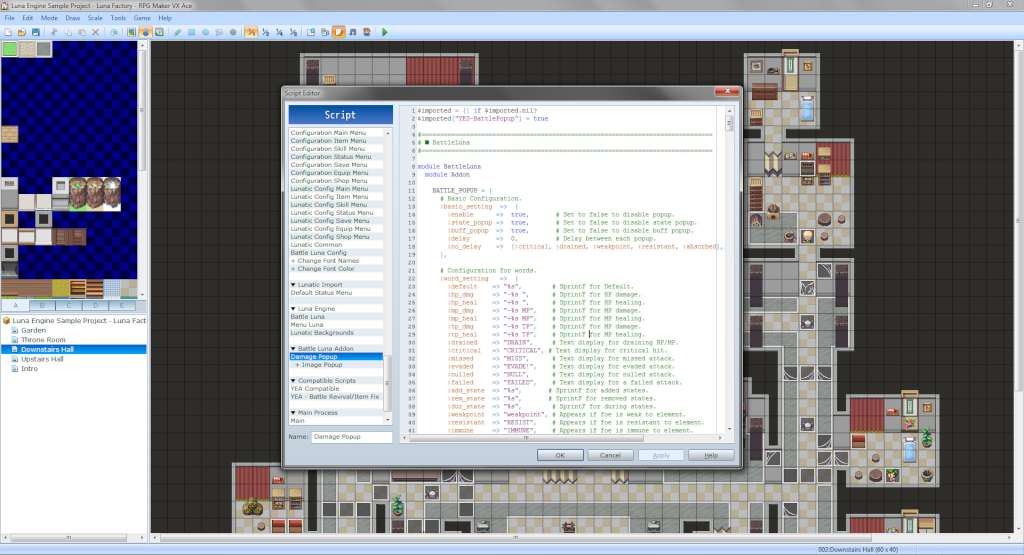
RPG Maker: Luna Engine Steam Key Platform: Steam Release Date: 22 Oct 2013 Product Description Requires RPG Maker VX Ace on Steam in order to use. Tired of looking at the same old default battle layout? Want to change elements from the default menus but don't know where to start? The Luna Engine can help you with that! Luna Engine is a series of scripts created with people with little to no programming knowledge in mind. With the Luna Engine in your arsenal, you will have the freedom to manipulate RPG Maker's default GUIs and modify them according to your own vision! Luna Engine can also be useful for seasoned programmers, providing a solid core base you can build up on. Features Easily create new menus using the default windowskin of your game, or import your own graphics for full customization. Create intricate battle menus to display information how you want to. Little to no scripting knowledge is required! Just modify the configuration scripts. Demos are packaged alongside the engine to introduce you to some sample script functions, which can also be used in your own games. A wide range of scripts are already compatible with the engine. These range from Yanfly's scripts to Yami's side-view battlers. (Script compatibility support is currently limited but expanding every day to include all possible options.) System Requirements OS:Microsoft® Windows® XP / Vista / 7 (32-bit/64-bit) Processor:Intel® Pentium® 4 2.0 GHz equivalent or faster processor Memory:512 MB RAM Graphics:1024 x 768 pixels or higher desktop resolution Hard Drive:400 MB HD space
Activation
Go to: http://store.steampowered.com/ and download STEAM client Click "Install Steam" (from the upper right corner) Install and start application, login with your Account name and Password (create one if you don't have). Please follow these instructions to activate a new retail purchase on Steam: Launch Steam and log into your Steam account. Click the Games Menu. Choose Activate a Product on Steam... Follow the onscreen instructions to complete the process. After successful code verification go to the "MY GAMES" tab and start downloading.