Some Distant Memory Steam CD Key
- Platform
- Steam
- Type
- Game
- Region
- Region free
- Availability
- In stock
−17%€11.49
€9.49
- Pay from your Mylven balance — no card at checkout
- Code shown in your account and sent by email
- Code doesn’t work? We replace it or refund you
Sold and delivered by MYLVEN LTD
Description
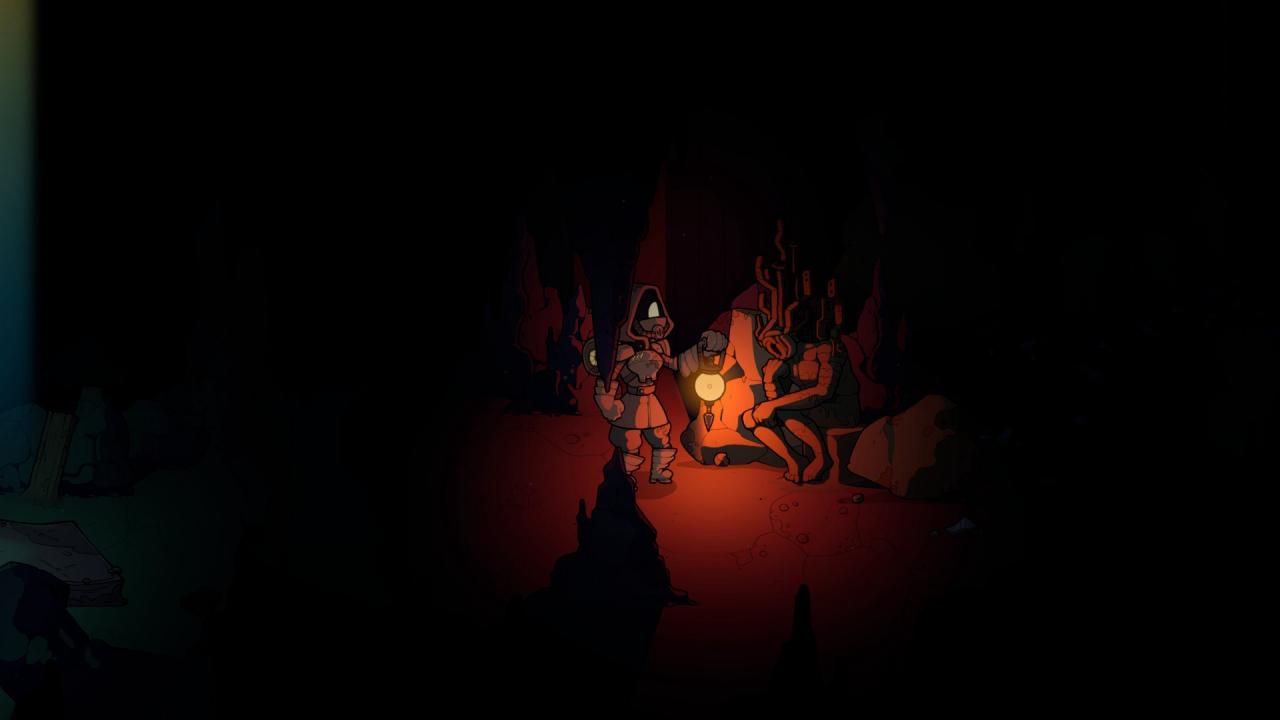
Some Distant Memory is a story-heavy exploration game.You play as the Professor, on a mission to find the sunken city of Houston. Things have been getting worse for the few surviving colonies of Earth as their resources dwindle and a corrupting algae bloom threatens all that remains. For years you've been systematically exploring the wastes without any sign of the ruins. Your main companions on your mission are ARORA, an AI who's been humanity's guiding lantern since the Collapse, and the Commander, an explorer newly charged with keeping you safe.Everything changes when you fall into the ruins of an ancient house. As you explore, the memories of the people who lived there come to life with the help of ARORA's Memory Reconstruction system. Uncover hints about what happened to civilization, discover strange artifacts, and discover the secrets of the family whose tomb you've raided.And then find a way out. Features A non-violent, character-driven story. Lots of mysteries to uncover, from the cause of the fall of civilization, to the glitches of your computer, and the fates of the people who lived in the house centuries before. A story that moves at your pace. Explore freely, discover new artifacts, and move onto the next chapter when you’re ready. So many feelings. Discover stories of love, growth, loss, and grief as you explore the house and your relationships with ARORA and the commander. A great soundtrack by Toytree (Amos Roddy), the composer for Strafe and the award-winning Kingdom, Kingdom: New Lands, and Kingdom: Two Crowns.
Activation
Go to: http://store.steampowered.com/ and download STEAM client Click "Install Steam" (from the upper right corner) Install and start application, login with your Account name and Password (create one if you don't have). Please follow these instructions to activate a new retail purchase on Steam: Launch Steam and log into your Steam account. Click the Games Menu. Choose Activate a Product on Steam... Follow the onscreen instructions to complete the process. After successful code verification go to the "MY GAMES" tab and start downloading.