SpongeBob SquarePants: The Cosmic Shake PS4 Access
- Platform
PlayStation 4
- Type
- Game
- Region
- Region free
- Availability
- In stock
−20%€29.49
€23.49
- Pay from your Mylven balance — no card at checkout
- Code shown in your account and sent by email
- Code doesn’t work? We replace it or refund you
Sold and delivered by MYLVEN LTD
Description
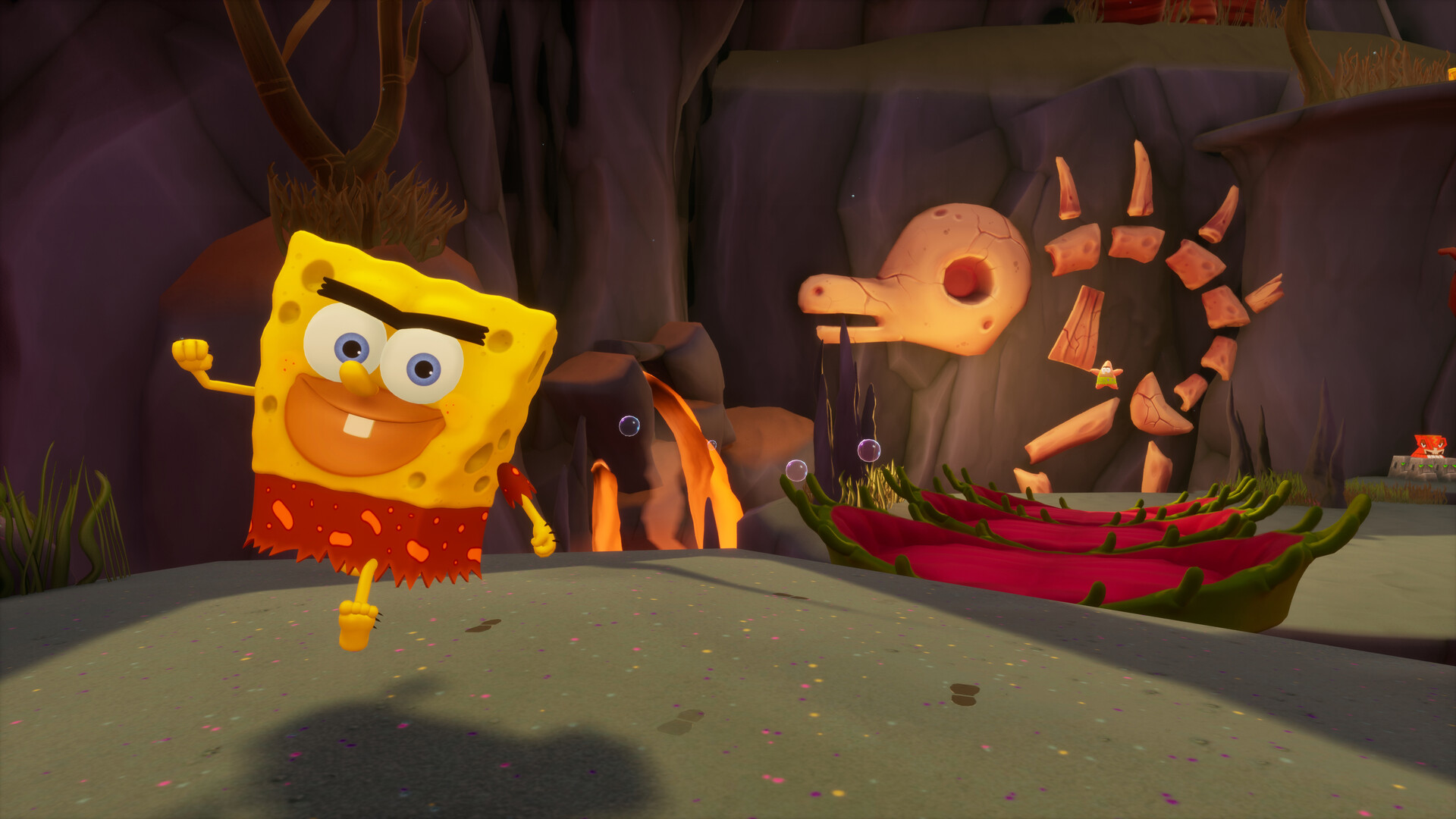
SpongeBob and Patrick meet the mysterious fortune teller Kassandra who gives them a vial full of Mermaid’s Tears©. Legend claims they grant the wishes of those who are pure of heart…Naturally, the two best buddies get overexcited and their flurry of wishes tears open the very fabric of space and time. All while releasing Cosmic Jelly© onto Bikini Bottom and opening portals to strange Wishworlds in the process.Now it’s up to our heroes to rescue their friends who got lost in the Wishworlds and bring back Bikini Bottom’s most iconic buildings.But Kassandra has her own devious plan… Wish-granting Mermaid’s Tears in the hands of SpongeBob and Patrick… What could possibly go wrong? Sure, the very fabric holding the very universe very together could come very undone, opening up portals into Wishworlds full of knights, cowboys, pirates, and prehistoric snails. But that’s nothing everyone’s favorite sponge can’t handle - with the right cosmic costume! Everybody do the Cosmic Shake! Features Unlock classic and new platforming skills like the Fishhook Swing and Karate Kick Don more than 30 F.U.N.tastic costumes like SnailBob and SpongeGar Travel to 7 distinct Wishworlds like Wild West Jellyfish Fields and Halloween Rock Bottom Experience all the buddy movie banter with SpongeBob’s permanent companion Balloon-Patrick Meet all your favorite Bikini Bottomites from the series, voiced by their original actors Enjoy the in-game soundtrack featuring 101 songs from the series, including Sweet Victory
Activation
Get the account credentials directly or via an external website and log into the account Log into the account - make sure that the content on it is correct. Add the purchased account to your console: PS5 instruction PS4 instructionPurchased account has to be added as a user, not as a one-time guest! Do not make any changes to the account as it will void your lifetime warranty Once the account is added to your console, download the game and switch back to the account you would like to play from. This way your progress will be saved on the account you are using. The account should be used as a way of accessing the game/content you are interested in. It is not recommended to use it as your main account, as you might have issues with making purchases on it.
Customers also bought