This War of Mine: Stories - Fading Embers DLC Steam CD Key
- Platform
- Steam
- Type
- DLC
- Region
- Region free
- Availability
- In stock
−22%€4.49
€3.49
- Pay from your Mylven balance — no card at checkout
- Code shown in your account and sent by email
- Code doesn’t work? We replace it or refund you
Sold and delivered by MYLVEN LTD
Description
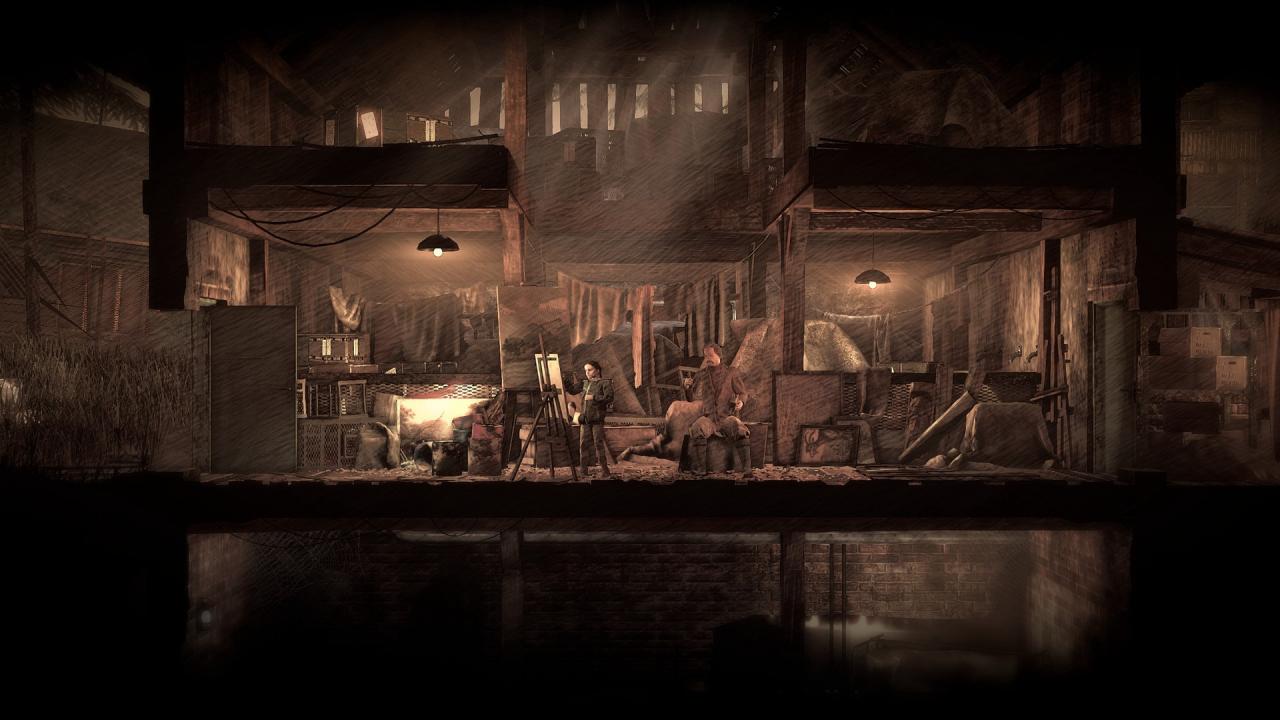
'Fading Embers' is the third installment in This War of Mine: Stories. The expansion features a narrative-driven scenario that portrays the story of Anja. Living in a warzone and carrying a heavy burden, Anja wrestles with herself to answer the question of what is more important - survival of human legacy or the survival of a man.The DLC contains new locations in the city of Pogoren and its vicinity, new shelters people can live in, enhanced locations from the original game, new playable survivors and citizens of Pogoren. Most importantly, the structure of 'Fading Embers' brings new ways to experience narrative along with non-linear structure leading to multiple endings based on player's decisions. Since the main theme orbits around human legacy, new gameplay mechanics introduces collecting art, deciding on its fate and more. This War of Mine: Stories - Fading Embers (ep. 3) main features: Theme and story: tackle the challenge of preserving human heritage in a time of war discover the story of Vyseni people and their culture face dilemmas never before explored in This War Of Mine New mechanics: New narrative devices New hub area to keep track of your progress Collection Management mechanics including: Securing the art collection Ability to gather new pieces of art Deciding on the fate of art pieces Locations: Brand new locations and sceneries Two new shelters Overhauled 9 locations from the original game Characters: 3 new playable survivors: Anja, Ruben, Zoran Unique characters to meet and interact DLC also features new music tracks and additional, smaller mechanics and lore bits.
Activation
Go to: http://store.steampowered.com/ and download STEAM client Click "Install Steam" (from the upper right corner) Install and start application, login with your Account name and Password (create one if you don't have). Please follow these instructions to activate a new retail purchase on Steam: Launch Steam and log into your Steam account. Click the Games Menu. Choose Activate a Product on Steam... Follow the onscreen instructions to complete the process. After successful code verification go to the "MY GAMES" tab and start downloading.