Uncanny Valley Steam CD Key
- Platform
- Steam
- Type
- Game
- Region
- Region free
- Availability
- In stock
€0.49
- Pay from your Mylven balance — no card at checkout
- Code shown in your account and sent by email
- Code doesn’t work? We replace it or refund you
Sold and delivered by MYLVEN LTD
Description
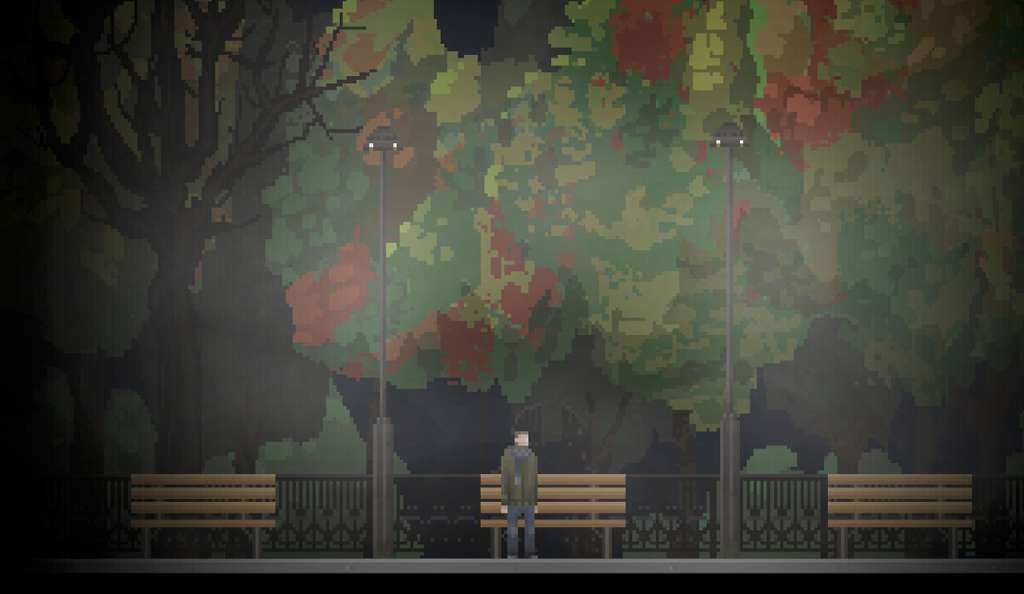
Uncanny Valley Steam CD Key Platform: Steam Release Date: 23/04/2015 Product Description Uncanny Valley is a survival horror game that includes a mix of exploration, puzzle solving and a bit of action with a lot of optional story content. We're trying to preserve the old survival horror kind of gameplay instead of following the modern trend of creating a third person shooter with horror elements. You play as a security guard named Tom at a remote facility. He's in charge of the night shift, while his lazy partner Buck is in charge of the day shift. Nights are long, so Tom starts exploring the facility and finds things he shouldn't. The story plays a huge part in the game, so saying anything more would be a major spoiler. Uncanny Valley's main difference from other games is a thing we like to call the consequence system. Whenever you fail at something, the game goes on, but with harsh consequences for your character that can impact both the story and the gameplay. For example - you fail at avoiding your attackers, meaning your character will move slower throughout the game, making it harder to escape future pursuers. The player then needs to be careful and more clever, which adds more tension to the game. Features a huge, explorable facility with multiple floors and buildings intense moments of dread detailed story with rich characters consequence system mechanic System Requirements OS: Windows 7 Processor: 2.5 Ghz Memory: 2 GB RAM Graphics: Direct X9.0c Compatible Card DirectX: Version 9.0 Hard Drive: 200 MB available space
Activation
Go to: http://store.steampowered.com/ and download STEAM client Click "Install Steam" (from the upper right corner) Install and start application, login with your Account name and Password (create one if you don't have). Please follow these instructions to activate a new retail purchase on Steam: Launch Steam and log into your Steam account. Click the Games Menu. Choose Activate a Product on Steam... Follow the onscreen instructions to complete the process. After successful code verification go to the "MY GAMES" tab and start downloading.