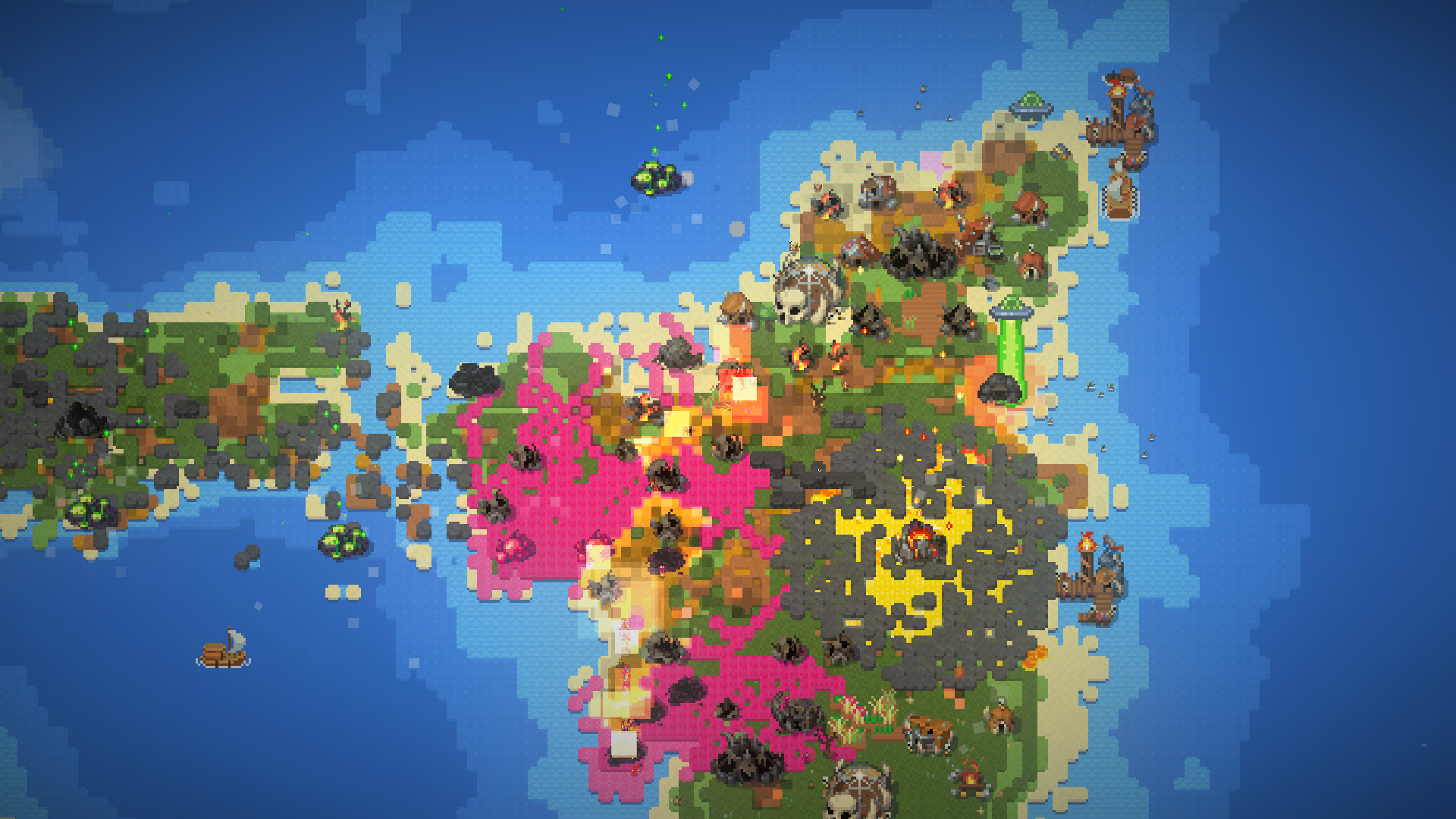
WorldBox - God Simulator PC Steam Account
- Platform
- Steam
- Type
- Game
- Region
- Region free
- Availability
- In stock
−21%€14.49
€11.49
- Pay from your Mylven balance — no card at checkout
- Code shown in your account and sent by email
- Code doesn’t work? We replace it or refund you
Sold and delivered by MYLVEN LTD
Description
WorldBox ULTIMATE god simulator and sandbox game. A petri dish for your fantasy civilizations. Create your own world or destroy it using many powers. Watch civilizations grow, form kingdoms, colonize new lands, sail to far continents, wars to ignite, empires to fall and towns to burn! Create your own world or destroy it using different powers: God Simulator. There are a lot of powers in your toolbox that can be used without mana or resources. Living world. Creatures have traits and needs. Animals will look for food. Greedy kings will try to get more lands. Use different tools and brushes to design and populate your world: Fantasy Races. There are 4 civilized races in WorldBox. Humans, orcs, elves and dwarves. Each with its own design and specific race traits. Civilizations. Races will form kingdoms, colonize new lands and will sail to far continents that you'll create. Diplomacy system. Kingdoms will fight with each other. Towns will rebel. Empires will fall. It's your choice to help or watch them fight. Many fun and crazy abilities that you can use: Destruction powers. Lightning, tornadoes, acid rain, nukes, meteorites, plague, dragons and even UFOs. Different creatures. Demons, skeletons, zombies, tumors, cold ones, dragons, UFOs and even a giant Crabzilla that you can control yourself! Interact with your world and create various scenarios: Interact. Interact with your world with the divine magnet. Use your powers to start wars or create huge tornadoes! You can affect the world in unique ways. Share your maps. Show your creations to other players of the WorldBox community! Procedural Generation. Generate worlds of different sizes and find kingdoms with unique flags and names.
Activation
Use the credentials you received (directly or via an external website) and log into the account. Make sure that the content on the account is correct (correct edition of the game, no playtime etc) Change the credentials to make the account your own: Change the email Change the password Add 2FA (Steam Guard) Please note that it may not be possible to add the purchased account to an existing Steam Family and to enable Family Sharing. The account should be used as a way of accessing the game/content you are interested in. It is not recommended to use it as your main account, as you might have issues with making purchases on it. Applying any changes to the purchased account, such as adding a payment method or changing the region, may result in the account being banned. In such cases, no refund is applicable.